Large Webflow Website: How to Plan CMS Collections Before You Start Building
Published on:
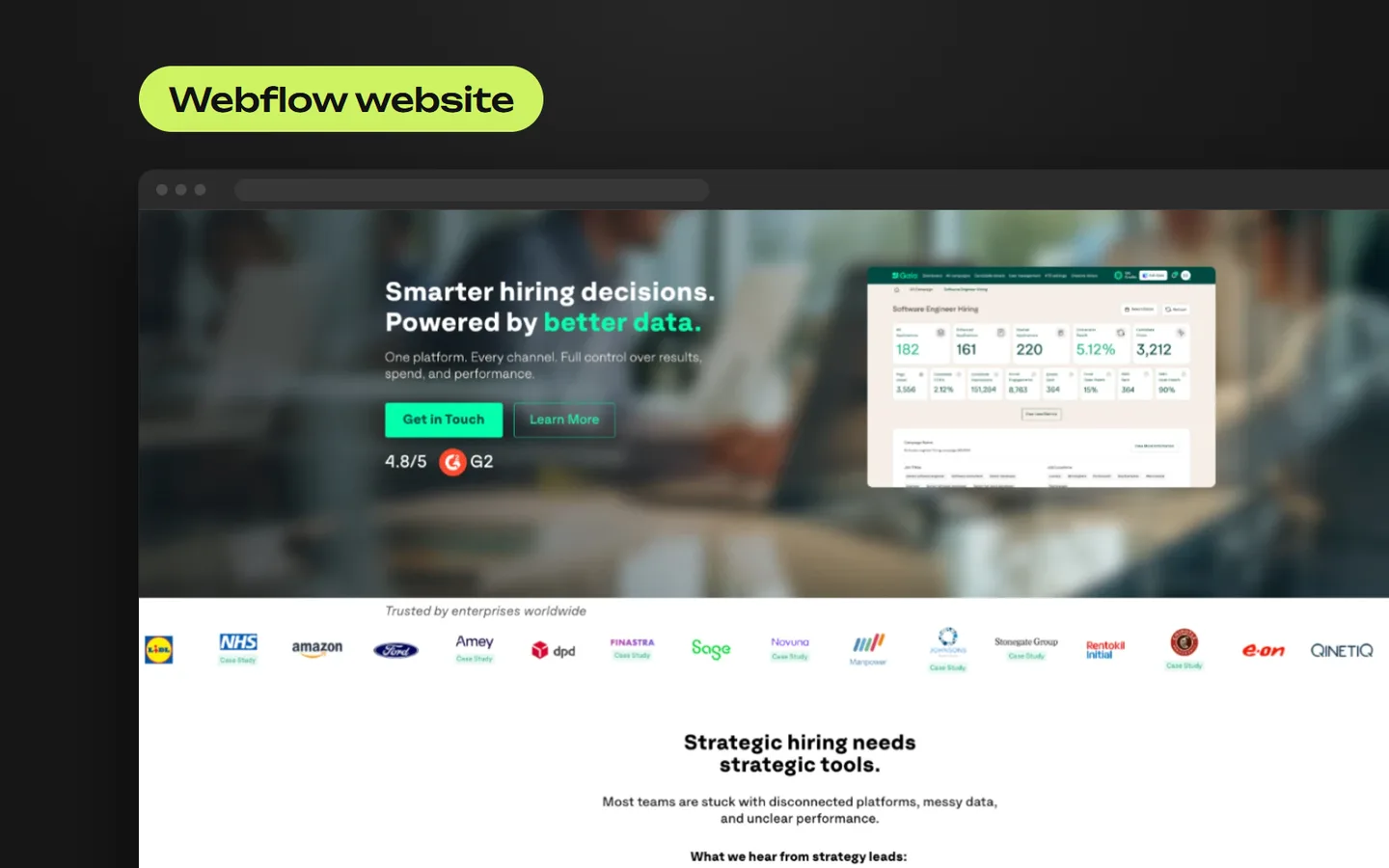
When a Webflow site grows from five pages to hundreds, the main problems are not in the design but in the content structure. Below I walk through my approach using my recruitment tech platform case.
How a large site differs from a marketing site
A marketing landing page is built once and rarely touched. A product website lives differently: new sections appear, copy changes, the team adds material every week. If the structure is not planned, every change turns into manual edits across dozens of pages.
In this case the task was exactly that: not just an attractive storefront, but a scalable platform that supports product growth, regular updates and a large amount of content.
What I do before building
The first step does not even open Webflow. I take the Figma designs and list which entities repeat across them.
1. The entity list
Any repeating block in a design is a candidate for a CMS collection. For example: articles, categories, authors, section cards. If a block repeats and someone other than a developer edits it, it belongs in the CMS.
2. References between collections
A complex CMS made of several collections works when the relationships are defined up front. An article references a category, a category references a section. Then adding a new item updates every place it should appear.
3. What the editor changes alone
I decide separately which fields the editor can touch and what stays on my side. The goal: the client’s team can manage content and pages without me.
Common mistakes
- One huge collection instead of several linked ones. It cannot be filtered sensibly later.
- Content hardcoded into page elements instead of CMS fields.
- Designs drawn without thinking about long and short text, so the layout breaks on real data.
- Responsive work left to the end instead of being built with the components.
How I check the result
After the build I check three things. Can I add an item and see it everywhere it should appear. Does the layout hold on real text, not convenient text. Does the page look right on every device. Only then is the site ready to grow.
Questions I ask before starting
- What types of content will the site have in six months?
- Who will fill in the content and how often?
- Are the Figma designs ready, or do they need work?
- What needs to be linked together?
The answers define the structure, and the structure defines how many changes the site survives without pain.
Next step
If you need a site that grows with your product, see website development and the full case. Describe your task in chat and I will suggest how to split the content into collections.
Message me in the bot: https://t.me/chornuy7_tech_bot?start=src_blog
More Articles
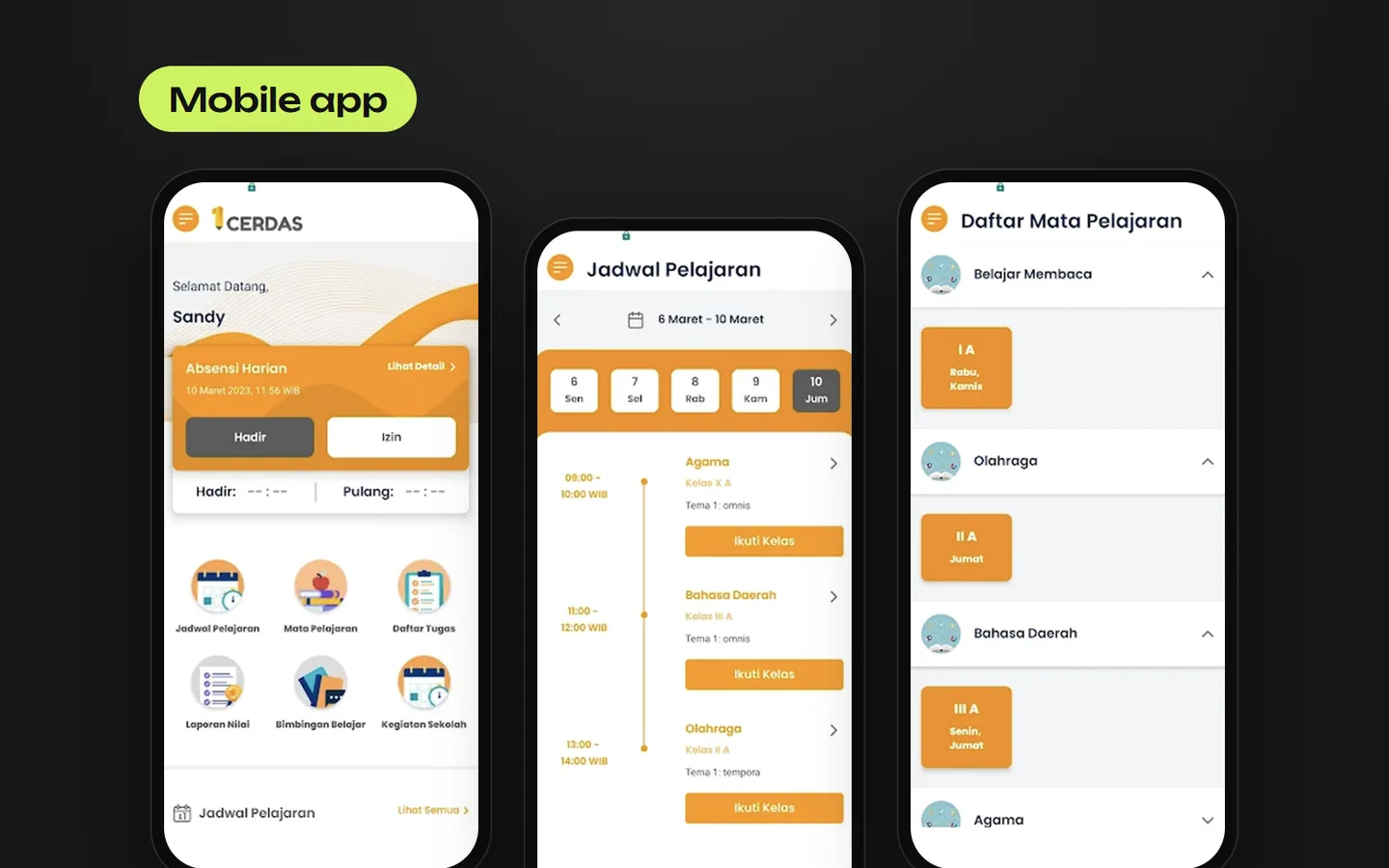
School Mobile App: Assignments, Tests and Progress Tracking for Parents
A breakdown of the school mobile app from my case: assignments, tests, answer submission and progress monitoring for parents. What to decide before development.
Read more
Medical e-learning platform development: courses, quizzes and 3D anatomy, what it takes
A breakdown of my case: a platform for medical students, teachers and doctors with courses, quizzes, flashcards and 3D anatomy models. What it consists of and what to decide first.
Read more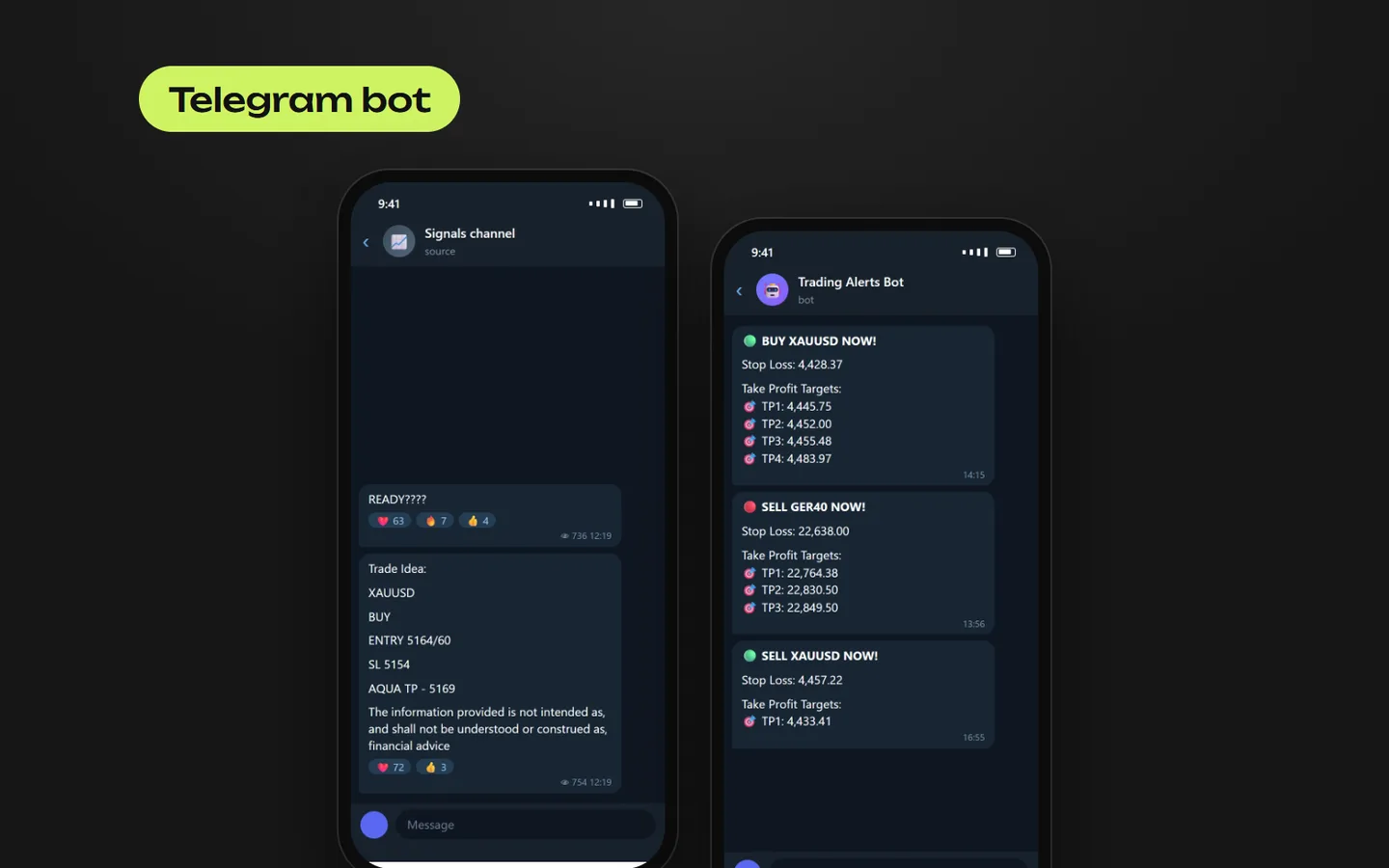
Forex Signal Bot for Telegram: Parse, Clean and Republish Without Manual Work
A breakdown of my case: a bot reads forex signals from a channel, cleans the text, calculates take-profit levels and publishes a uniform post. What to decide before starting.
Read more