
School Mobile App: Assignments, Tests and Progress Tracking for Parents
Published on:
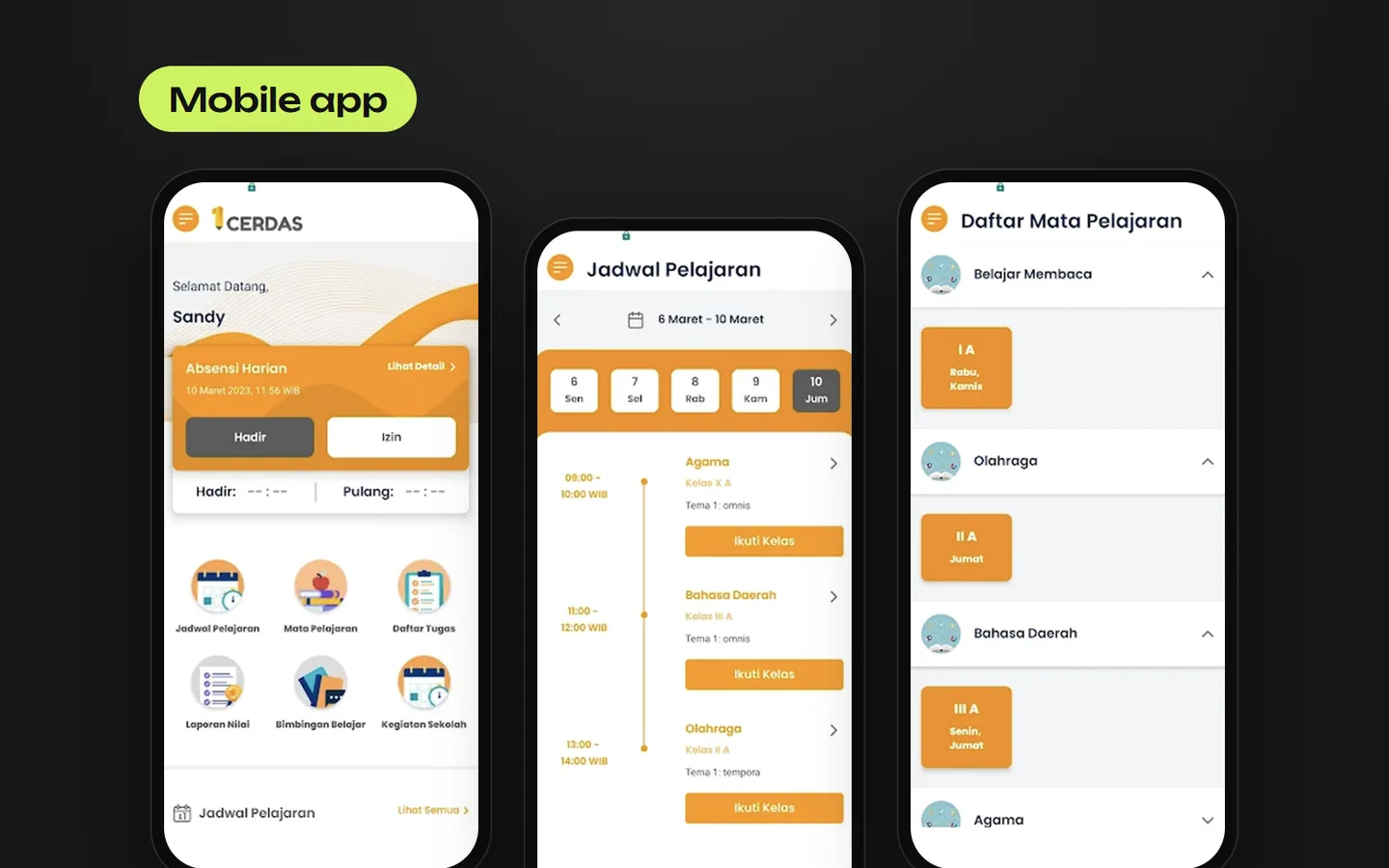
When a school or a private learning center asks for “an app”, it is usually not about fashion but about chaos: assignments in one messenger, grades in another, parents asking the class teacher for things they could see themselves. Below is how I approach such an app, based on my case.
Where it started
The educational process needed one digital place that combines academic information, assignments, communication and progress monitoring. Not five services to keep in your head, but one mobile app for students, teachers and parents.
What the solution included
In this case I built a mobile learning platform with four pillars:
- in-app assignments and tests;
- answer submission by students right from the phone;
- progress monitoring for parents;
- built-in communication between participants.
The result: interaction between students, parents and teachers became faster, clearer and more transparent.
Three roles, three different screens
The main mistake in such projects is building one interface for everyone. Each role has its own scenario.
Student
They need to see what is assigned, submit an answer on time and learn the test result. Nothing extra.
Teacher
They need to create an assignment or test quickly, see who has submitted and who has not, and answer a question without chasing five chats.
Parent
They need a clear picture of progress without having to call and ask. This is what is most often requested first.
Questions to settle before development
- Who creates accounts: the school or the users themselves?
- How is a parent linked to a child, and what exactly can they see?
- Which test types are needed: multiple choice, free-form answers?
- How does communication work: direct messages, class chats, announcements?
- Who fills the content: the teacher or an administrator?
It is best to answer each question in writing. That removes half of the revisions during development.
Common mistakes
- Building everything at once: start with assignments, tests and progress, the rest later.
- Skipping access rules: a parent must never see other people’s children.
- Making submission complicated: if a student needs more than two taps, they will not use it.
What next
If you have a similar task, see the development service and the example in the case. Describe your task to me in the bot and we will discuss everything in chat: message Ilya.
More Articles
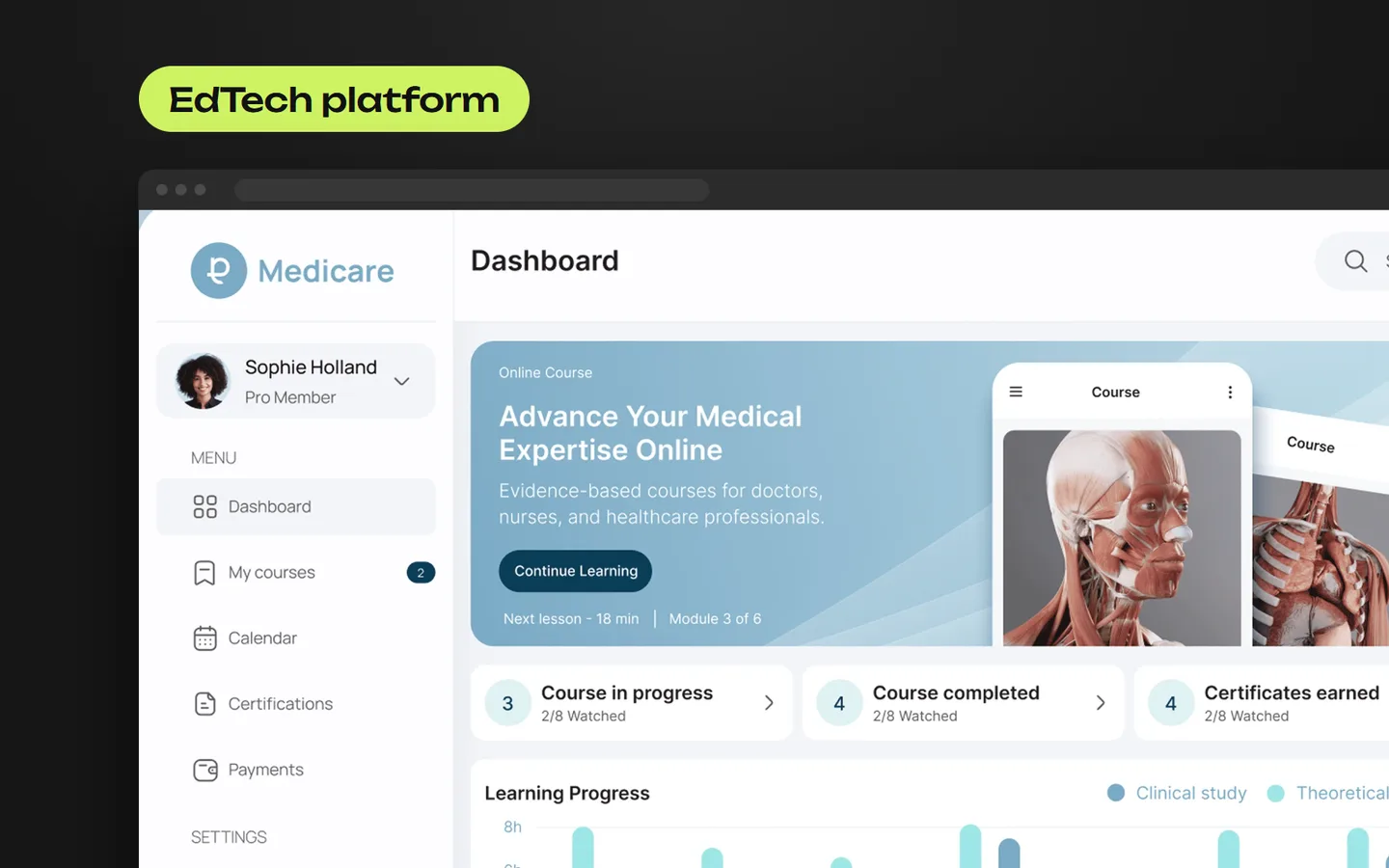
Medical e-learning platform development: courses, quizzes and 3D anatomy, what it takes
A breakdown of my case: a platform for medical students, teachers and doctors with courses, quizzes, flashcards and 3D anatomy models. What it consists of and what to decide first.
Read more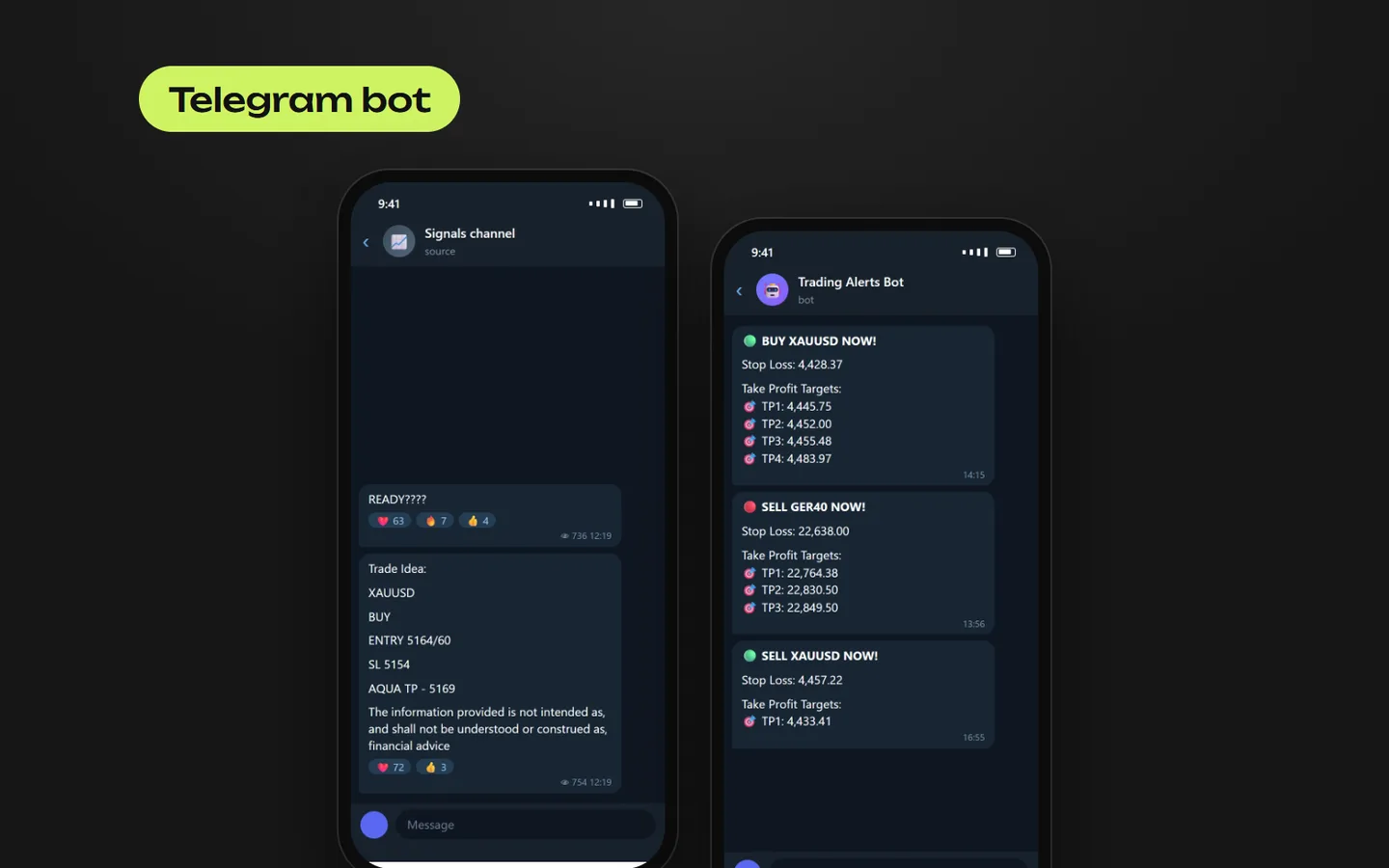
Forex Signal Bot for Telegram: Parse, Clean and Republish Without Manual Work
A breakdown of my case: a bot reads forex signals from a channel, cleans the text, calculates take-profit levels and publishes a uniform post. What to decide before starting.
Read more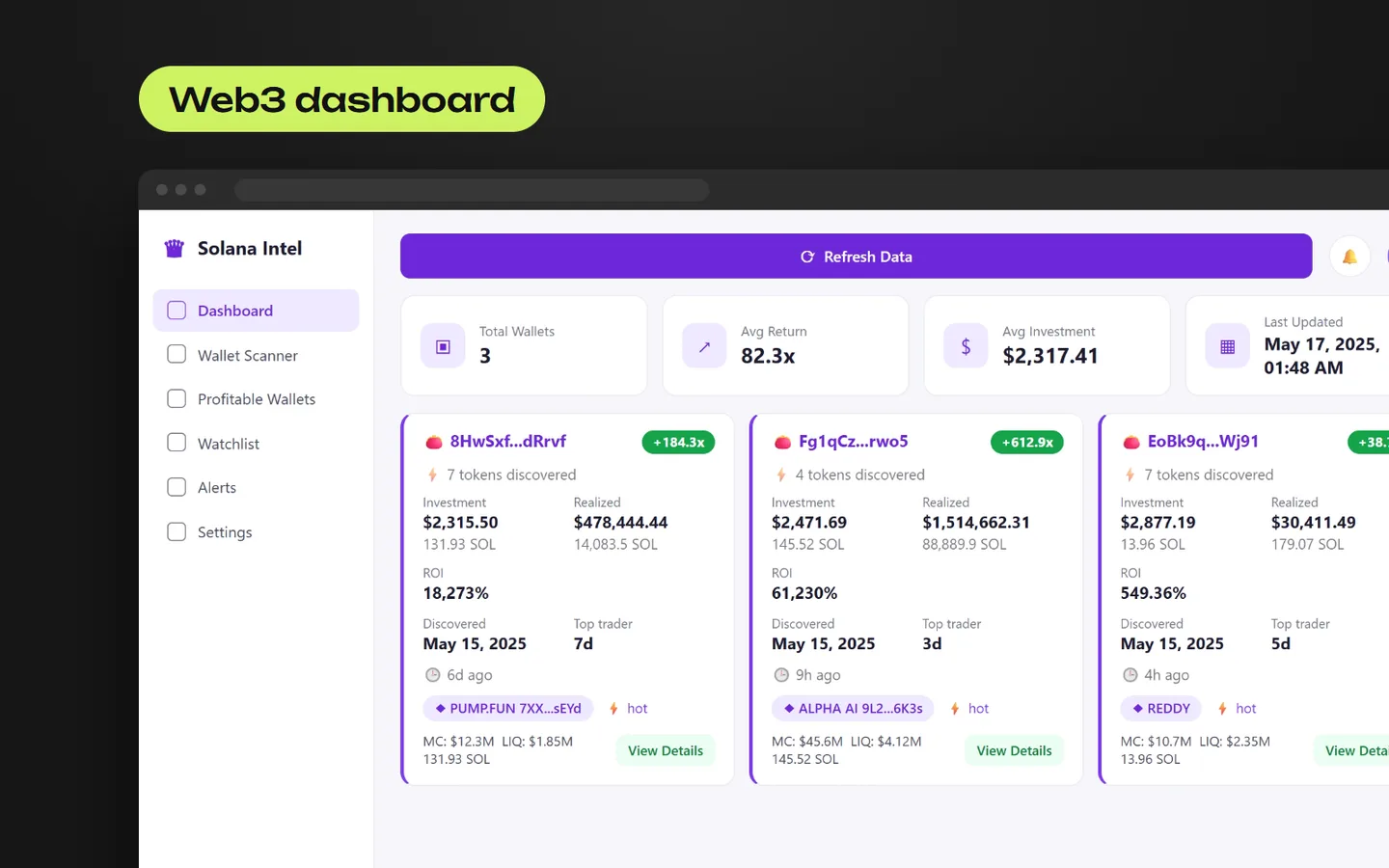
Solana wallet analytics dashboard: what to show so it gives insight, not just numbers
A breakdown of my Solana on-chain dashboard case: which blocks help you find strong wallets and understand their behavior, and what to settle before starting.
Read more