
AI Chatbot for Your Website, Trained on Your Content
A chat widget that answers questions about your services, pricing and policies in your own words, then takes contact details and passes the lead to you once a visitor is ready to talk.
How an AI chatbot works on your website
Visitors type questions the way they think: do you ship to Germany, how long does onboarding take, what is the difference between two plans. The bot looks for the answer in a knowledge base I build from your website, price list, terms and the replies your staff already give, and it answers in the visitor’s language. The model itself is not retrained: the bot reads your content for every answer, so when you update the knowledge base, the answers change right away.
The point is not small talk, it is getting the visitor to an inquiry. I define when the bot asks for a name and email, which follow-up questions it asks, which topics it stays away from and when it hands the chat over to a person. The lead arrives with the full conversation in Telegram, Google Sheets or a CRM such as HubSpot or Pipedrive, so whoever picks it up does not have to ask the same questions again.
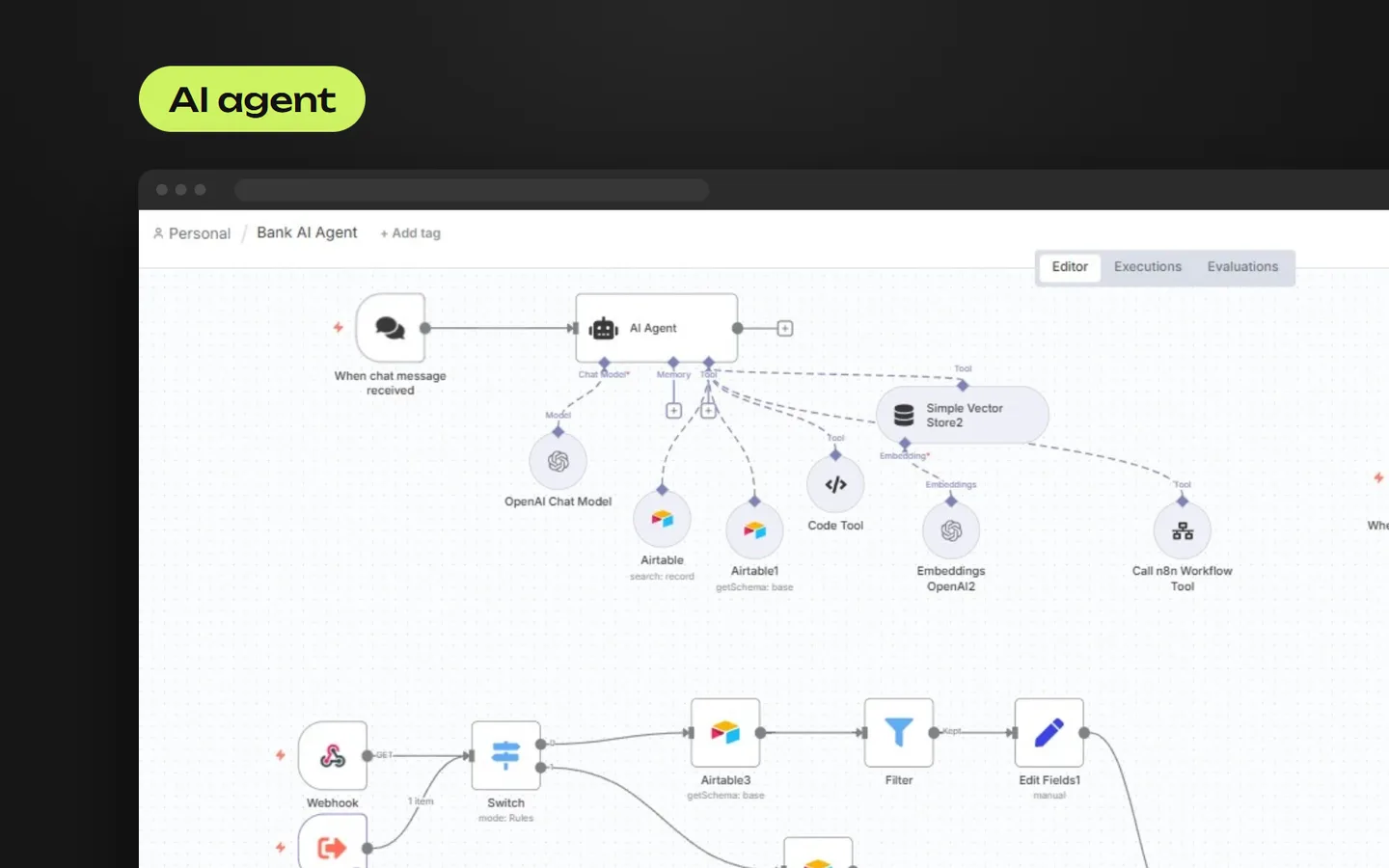
I built the same kind of retrieval, with embeddings and a vector store, for an AI agent that automates banking processes: it answers users from internal policies and live data. You can also see the approach at work right now. The AI in the CHORNUY7 studio Telegram bot, @chornuy7_tech_bot, answers people who contact the studio and hands me the ones who are ready to discuss a project.
What is included
- Review of client questions: what people ask most and what should lead to an inquiry
- A knowledge base built from your website, price list, policies and documents
- Conversation flow: greeting, follow-up questions, contact capture, handover to a person
- A chat widget styled to match your site on desktop and mobile
- Leads with the full chat history in Telegram, Google Sheets or your CRM
- Guardrails: topics the bot avoids and when it calls a human
- A conversation log to review questions and answers
- Testing on real questions before launch and fixes after the first conversations
- Admin panel as a gift: conversations, leads and a knowledge base you edit yourself
Who it is for
- You pay for traffic, but visitors leave without finding answers or leaving their details
- Your staff answer the same questions about pricing, timelines and delivery again and again
- Questions come in at night, on weekends and from other time zones
- You offer many services or products, and visitors need help choosing
- Your clients write in several languages
- You want to know what visitors actually ask, so you can improve the site and your ads
When something else fits better
- If the main action on your site is booking a time slot, an appointment booking bot is a better fit See the service: Booking bot
- If the AI should work inside your company with documents, requests and internal systems rather than with website visitors See the service: AI agents
- If your clients rarely visit the website and message you on Telegram instead, start with a Telegram bot See the service: Telegram bots
What it solves
- Answers about pricing, timelines, shipping and payment
- Recommending a service or product based on visitor answers
- Sending leads and contacts to your CRM
- Booking a service right from the chat
- Support in several languages
- After-sales help: order status, returns, warranty
- The same bot in Telegram
What affects the price
The calculator gives a rough price and timeline in a minute. I name the exact price after a short brief, before any work starts.
Calculate the price- Size of the knowledge base: a single price page or hundreds of documents and product cards
- Number of flows: answers only, or also recommendations, calculations and lead capture
- Whether you need a CRM with fields and pipeline stages: leads to Telegram or a spreadsheet come as a gift
- Whether the same bot should also run in Telegram or other channels
- How many languages the bot needs to support
- Widget design: a standard look or fully matched to your brand
How the work goes
-
Brief
You message me on Telegram and I ask a few questions about the task. I reply within 1-24 hours.
-
Estimate
I name the price, the timeline and what is included. I start only after we agree on it.
-
Development
You see working versions along the way, so changes happen early and not at the very end.
-
Launch
I launch the project, check it on real data and stay in touch after the release.
Website chatbot or Telegram bot: which one to choose
| On your website | In Telegram | |
|---|---|---|
| Who it meets | Visitors from search and ads who are already looking at your services | People who come from a channel, a newsletter or a link and prefer messaging |
| What the client needs | Nothing: the chat opens right on the page | Telegram installed |
| Contact details | The bot asks for a name and a phone number or email | The Telegram account is visible from the start |
| Follow-up | Only if the visitor left a phone number or email | You can send a reminder message in the bot |
| When to choose it | Most of your clients arrive through the website | Your clients live in the messenger. Often both make sense, sharing one knowledge base |
Tech stack
- Claude Code
- Claude API
- OpenAI API
- Embeddings
- Vector store
- Python
- Node.js
- Google Sheets
- Airtable
- Webhooks
- Telegram Bot API
Frequently asked questions
How much does an AI chatbot for a website cost?
It depends on the size of the knowledge base, the number of flows and where the leads should go. You can get a rough estimate in the calculator on this site, and I give the exact price after a short brief in Telegram, before any work starts. Also plan for the monthly OpenAI API cost: it depends on the number of conversations, and I estimate it for your volume in advance.
Why not just use a free chatbot builder?
A builder works well when you only need to answer a few standard questions. I build the bot around your sales process: your own knowledge base, your rules, leads delivered where you already work, and access to every conversation. If a builder is enough for your case, I will tell you so.
What happens if the bot does not know the answer?
I set the bot up to answer only from your knowledge base. If a question is not covered, it says it will check, asks for contact details and passes the conversation to you. These questions are saved in the log, which makes it easy to fill the gaps in the knowledge base.
Will my data be used to train the AI model?
Under OpenAI’s API policy, data sent through the API is not used to train its models by default. I keep the knowledge base in storage you control, and you decide which conversation data is stored and for how long.
Which website platforms does it work with?
Almost any: WordPress, Webflow, Wix, Shopify or a custom-coded site. The widget is added with a small code snippet, so there is no need to rebuild the site. If you do not have access to the code, I will explain who should add it and where.
Can leads from the chat go straight to my CRM?
Yes. Each lead is sent with the name, contact details and a short summary of the conversation: to Telegram, Google Sheets, Airtable or any CRM with an open API, such as HubSpot or Pipedrive. If your CRM is not connected to the website yet, that can be done in the same project.
Can I see a working example?
Message the studio’s Telegram bot, @chornuy7_tech_bot. The AI there follows the same principle: it knows the studio’s services, asks clarifying questions and hands the lead to me when a person is ready to talk about a project.
What will your project cost
Tick what you need and the calculator shows the approximate price and timeline right away. The exact price goes into the contract after a short call.
The calculator opens with
AI agent
Answers clients and books appointments
- Knowledge base: services, prices, common answers
- Flows: consultation, booking, lead qualification
- Hot lead alerts to your Telegram
- Conversation log to check answer quality
- Admin panel (custom CMS) and lead capture as a gift