
CRM Integration Services for Website and Telegram
Every lead from your website, Telegram or ads lands in the CRM with contact details, source and the original message, and the right person is notified at once. Nobody copies data by hand.
What CRM integration means in practice
A CRM is only useful when every client ends up in it. In practice, form submissions go to an inbox, Telegram messages get forwarded to a group chat, and some leads live in salespeople’s private messages. I connect all of these entry points to your CRM through APIs and webhooks: the lead is created automatically, the contact is not duplicated, and the deal carries its source, UTM tags and the original message.
The integration works both ways. When a deal changes status in the CRM, the client gets a Telegram message, the contact moves to the right email list, and you get a reminder about deals nobody has answered. Any CRM with an open API can be connected: HubSpot, Pipedrive, Zoho CRM, Salesforce and others. Before starting, I read your system’s API documentation and tell you what will work and what will not.
The closest project in my portfolio is the Telegram and SendPulse case: a Python system built on Telethon collects emails from Telegram, filters the addresses and sends contacts to SendPulse campaigns through the API, with a guide for restarts, logs and token updates. In the banking case, the integration keeps data from two banking APIs, Google Sheets and Airtable consistent in real time. And in the service marketplace app, CRM and invoicing for providers are built right into the product.
What is included
- A map of where leads come from, which fields matter and which system is the source of truth
- Website form submissions sent to the CRM with source and UTM tags
- Leads created from a Telegram bot and chats
- Duplicate checks by phone, email and Telegram account
- Telegram alerts about new deals and status changes
- Contact sync with your email marketing tool
- Automatic retries when an API fails, plus a log of every transfer
- A guide explaining how the integration works and what to do when a token changes
Who it is for
- Leads come from your website, Telegram and ads, and someone copies them into the CRM by hand
- Salespeople hear about new leads late, or not at all
- You cannot tell which ad channel brings clients who actually pay
- The same clients exist in the CRM several times over
- CRM contacts need to flow into your email campaigns automatically
- You already have a website or a bot and a CRM, but they do not talk to each other
When something else fits better
- If you have not chosen a CRM yet and the sales process is not mapped out, start with a process review See the service: Automation
- If you need sales and ad analytics on one screen, that is a separate project See the service: Dashboards
- If website visitors need answers around the clock, not just a lead form, add an AI chatbot See the service: Website chatbot
What it solves
- Website forms and quizzes into the CRM
- A Telegram bot that creates deals
- Contacts into SendPulse and other email tools
- Order status updates to clients in Telegram
- Moving clients from spreadsheets into the CRM
- CRM sync with Google Sheets and Airtable
- A dashboard of deals and lead sources
Related case studies
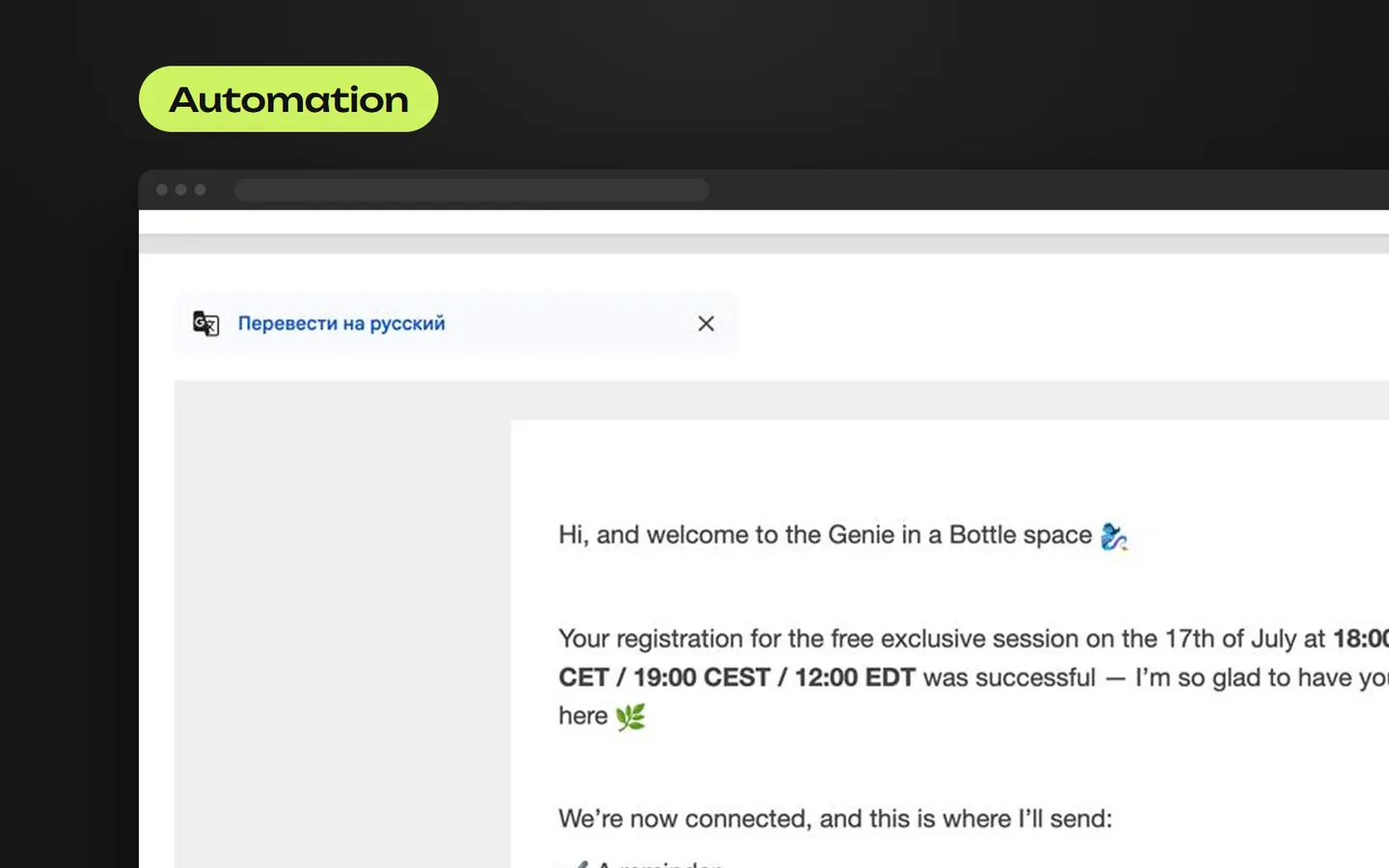
Telegram + SendPulse Automation for Email Collection and API Sync
A Python automation system for collecting emails from Telegram and syncing contacts with SendPulse campaigns via API.
Read more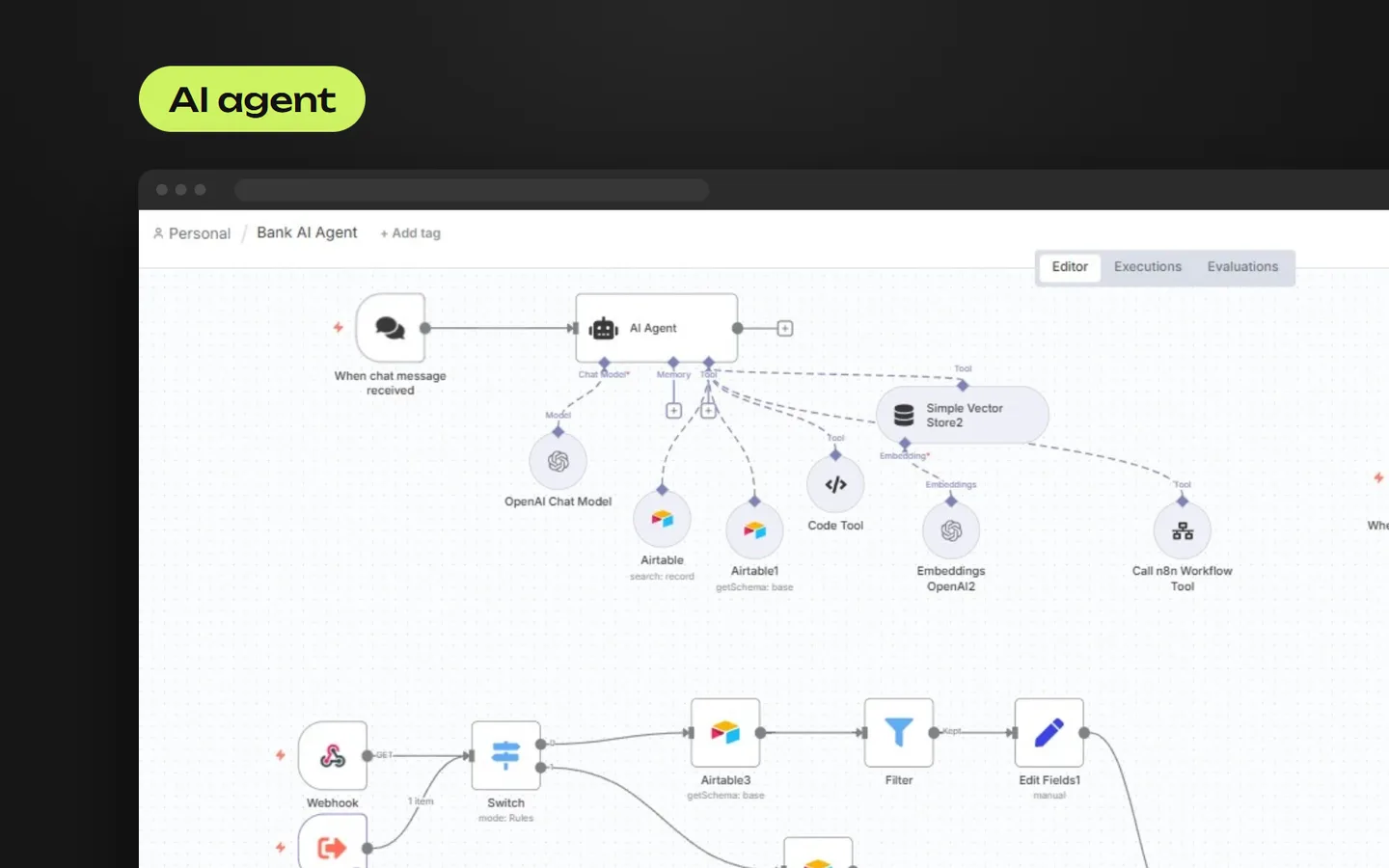
Bank AI Agent for Banking Process Automation and Support
An AI agent and automation system built with n8n, OpenAI, Google Sheets, Airtable, and webhooks for banking data synchronization, customer support, and smart retrieval.
Read more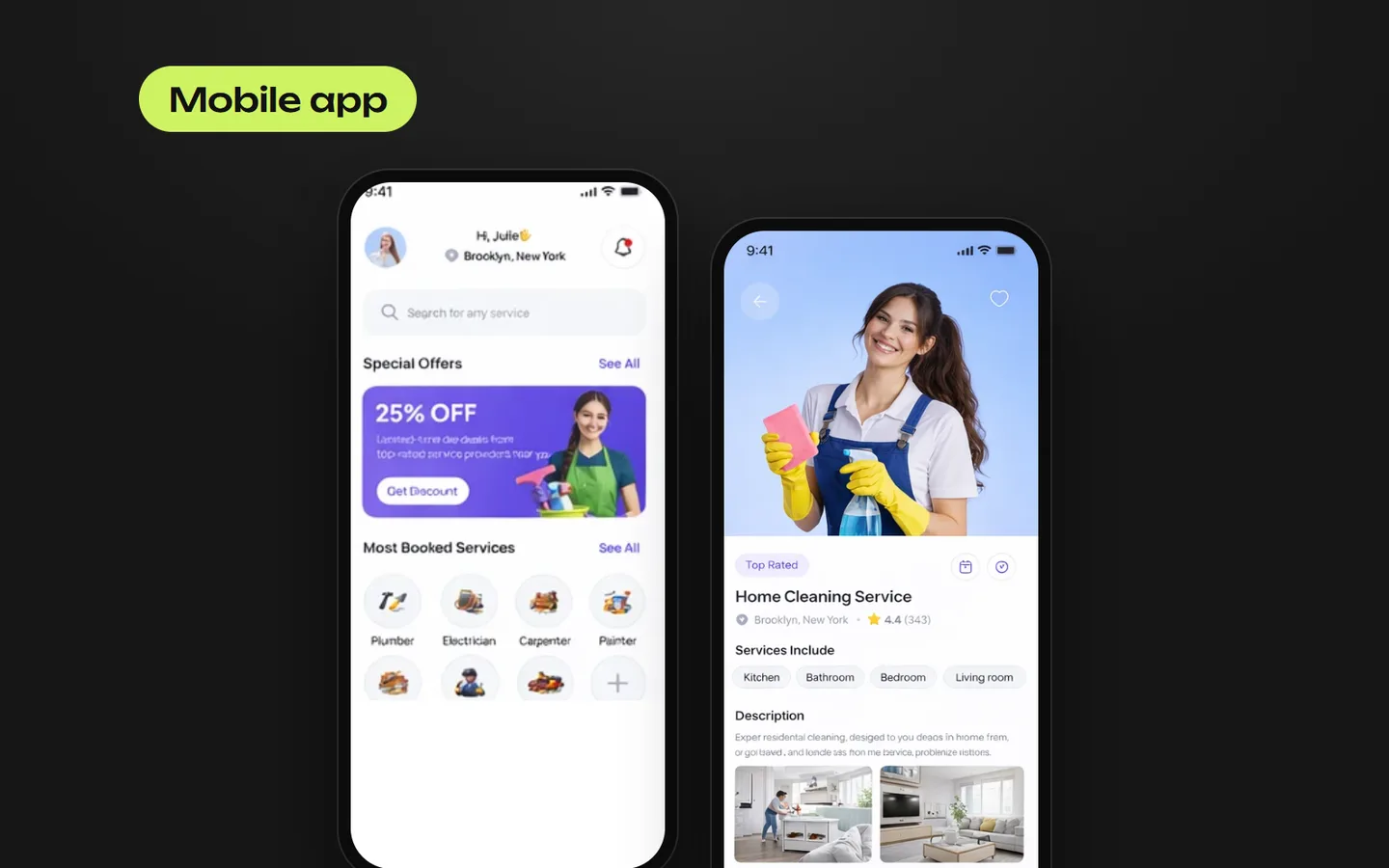
Service Marketplace App
A cross-platform marketplace app that connects service providers with clients and combines booking, chat, payments, CRM, and order management in one system.
Read moreWhat affects the price
The calculator gives a rough price and timeline in a minute. I name the exact price after a short brief, before any work starts.
Calculate the price- How many lead sources need to be connected
- Whether your CRM has an open API or webhooks, and how convenient they are
- Whether you need the reverse flow: CRM statuses to Telegram, email lists, reminders
- Rules for duplicates, lead routing and required fields
- Whether existing data needs to be migrated from spreadsheets or another CRM
- Where the integration runs: your own server or the cloud
How the work goes
-
Brief
You message me on Telegram and I ask a few questions about the task. I reply within 1-24 hours.
-
Estimate
I name the price, the timeline and what is included. I start only after we agree on it.
-
Development
You see working versions along the way, so changes happen early and not at the very end.
-
Launch
I launch the project, check it on real data and stay in touch after the release.
Off-the-shelf CRM vs a custom system
| Off-the-shelf CRM | Custom CRM or admin panel | |
|---|---|---|
| Getting started | Fast: sign up and configure your pipeline | Needs development around your process |
| Cost model | Subscription, usually per user | Development and hosting, no per-user fees |
| Flexibility | Within the limits of the product and its API | Any fields, roles and logic |
| Integrations | Ready-made apps plus an API for the rest | Anything can be connected, but each link is built separately |
| When to choose it | Standard sales with a pipeline, tasks and calls | The process does not fit a pipeline: a marketplace, a service with client accounts, custom bookkeeping rules |
Tech stack
- Claude Code
- Python
- Node.js
- FastAPI
- PostgreSQL
- REST API
- Webhooks
- Telethon
- SendPulse API
- Telegram Bot API
- Google Sheets
- Airtable
Frequently asked questions
How do you integrate a CRM with a website?
The website form sends data to the CRM through its API or a webhook instead of to an inbox. If your CRM has a ready-made plugin for your platform, I check whether it covers what you need. If not, I build the connection in code with Claude, in Python or Node.js. Along with the lead, I pass the page, source and UTM tags so you can see where the client came from.
Can a CRM be integrated with Telegram?
Yes, in both directions. A Telegram bot creates a lead in the CRM with the client’s account and answers, a salesperson gets an alert in a work chat, and the client receives a message when the order status changes. A bot can only message people who have started it first: that is a Telegram rule.
Which CRMs can you connect?
Any CRM with an open API or webhooks: HubSpot, Pipedrive, Zoho CRM, Salesforce and others. Before giving an estimate, I read your system’s documentation and check plan limits, because some CRMs only offer API access on certain plans.
What happens to a lead if the CRM is temporarily down?
The integration stores the lead, retries the transfer and messages you in Telegram if it still cannot get through. Every transfer is logged, so you can always find where a specific contact got stuck.
How do you avoid duplicate contacts?
Before creating a new contact, the integration searches the CRM by phone, email or Telegram account. If the client already exists, the new lead is attached to that record. The merge rules are agreed in advance, because every business handles them differently.
How much do CRM integration services cost?
It depends on the number of lead sources, what your CRM’s API allows and whether you need data flowing back from the CRM to Telegram and email tools. You can get a rough estimate in the calculator on this site, and I give the exact price after a short brief in Telegram, before any work starts. If I build your website, landing page or bot, sending leads to Google Sheets, Telegram or your CRM comes as a gift; two-way sync, data migration and ERP integrations are priced separately.
How long does a CRM integration take?
Connecting one form or one bot takes from 3 days. A setup with several sources, email lists and status updates takes longer. For reference, the Telegram to SendPulse email collection system in my case study took one week.
What will your project cost
Tick what you need and the calculator shows the approximate price and timeline right away. The exact price goes into the contract after a short call.
The calculator opens with
Automation and scrapers
Requests, data and reports move without manual work
- Process review: what to automate first
- API integrations between your services
- Development in Python or Node.js with Claude
- Alerts and reports in Telegram
- Admin panel (custom CMS) and lead capture as a gift