
Telegram CRM integration: stop losing leads and drop the manual contact copying
Published on:
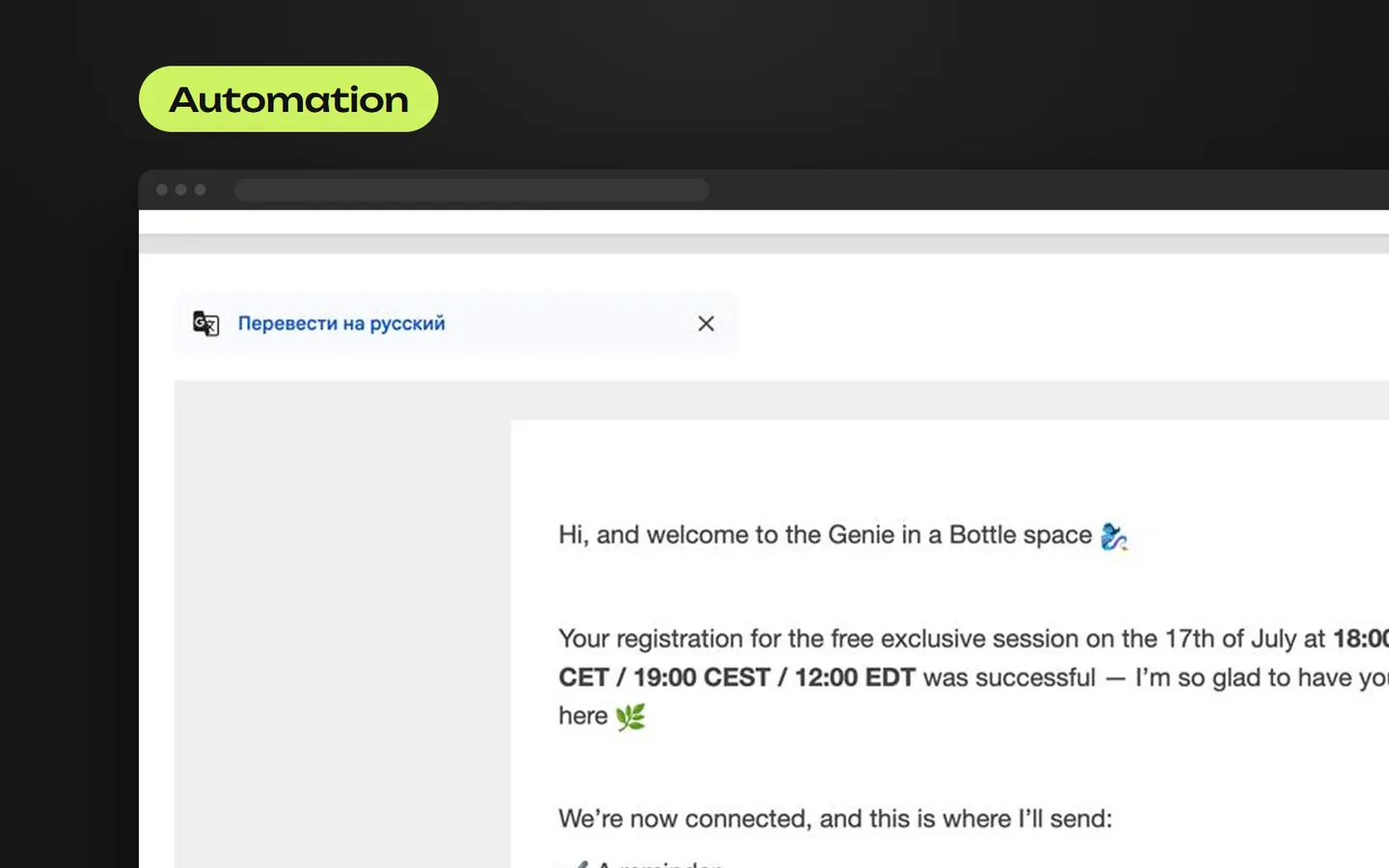
If leads arrive in Telegram while your CRM or email platform lives somewhere else, someone copies contacts by hand. At first it takes a couple of minutes a day. Then some leads get lost and others reach the database late. Here is how I approach this kind of integration and what to decide before work starts.
Where contacts actually get lost
The problem is usually not the integration itself but the gaps between steps:
- a contact wrote in the chat, but a manager forgot to copy it into the CRM;
- an email was sent inside a longer message and nobody noticed it;
- the same person ended up in the database twice with different data;
- the email service returned an error and nobody found out.
Automation covers all four, but only if these scenarios are thought through in advance.
How it works in my case
In the Telegram + SendPulse case the client needed to collect emails from Telegram and stop transferring contacts into the email marketing system by hand. I built a Python automation script, connected Telegram through Telethon, set up synchronization with the SendPulse API and deployed everything on a RunPod server. The result was a practical infrastructure for lead collection and contact sync.
To be honest: this is an email marketing system, not a classic CRM. The logic is the same, though: a source of contacts, processing, and a hand-off through an API to the right system. It works the same way with a CRM.
Questions I ask before starting
Where do contacts come from
Direct messages, a group, a channel, a form inside a bot? This decides how data is read and what counts as a new contact.
What counts as a complete record
Is an email enough, or do you also need a name, a source, a topic? Fewer required fields means fewer drop-offs, but poorer data in the CRM.
What to do with duplicates
You need a rule up front: update the existing contact, skip it, or create a new one.
What happens on failure
If the target API is down, the contact must not vanish. It should be saved and resent, and the owner should be told about the problem.
Where it will run
The script needs a server that runs all the time. In my case it is RunPod; another task may call for another option.
Checklist before you start
- Describe the contact’s path from the first message to a record in the system.
- Name the target system and check that it has an API.
- Decide which fields are required.
- Pick a rule for duplicates.
- Decide how you will learn about a failure.
- Define who is responsible for the server and access.
What next
If you want a similar setup, see the business automation service page. If your task is already clear, message me in the bot: https://t.me/chornuy7_tech_bot?start=src_blog. Tell me which CRM or email tool you use and where contacts come from. We settle everything in chat, it is faster.
More Articles

Interactive Webflow Website: Custom Scroll and Animations That Stay Manageable
Non-standard scroll looks great but easily breaks a site on mobile. Here is what I plan before touching Webflow, based on my own case.
Read more
Large Webflow Website: How to Plan CMS Collections Before You Start Building
A breakdown of my case: how to structure a multi-collection Webflow CMS so the site keeps up with product growth and a steady flow of content.
Read more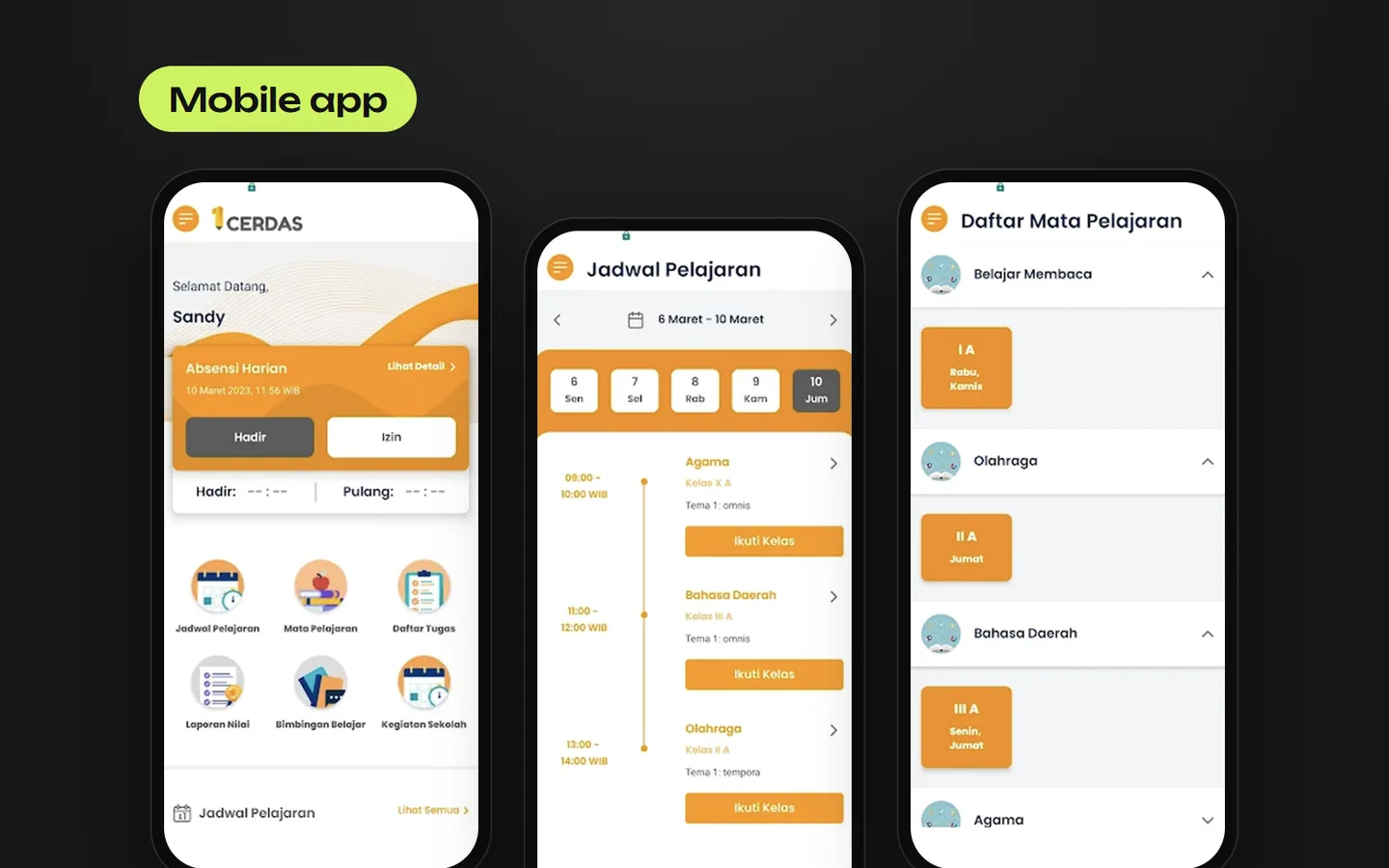
School Mobile App: Assignments, Tests and Progress Tracking for Parents
A breakdown of the school mobile app from my case: assignments, tests, answer submission and progress monitoring for parents. What to decide before development.
Read more