
AI Agent on n8n and OpenAI: 5 Mistakes in Data Sync and Support
Published on:
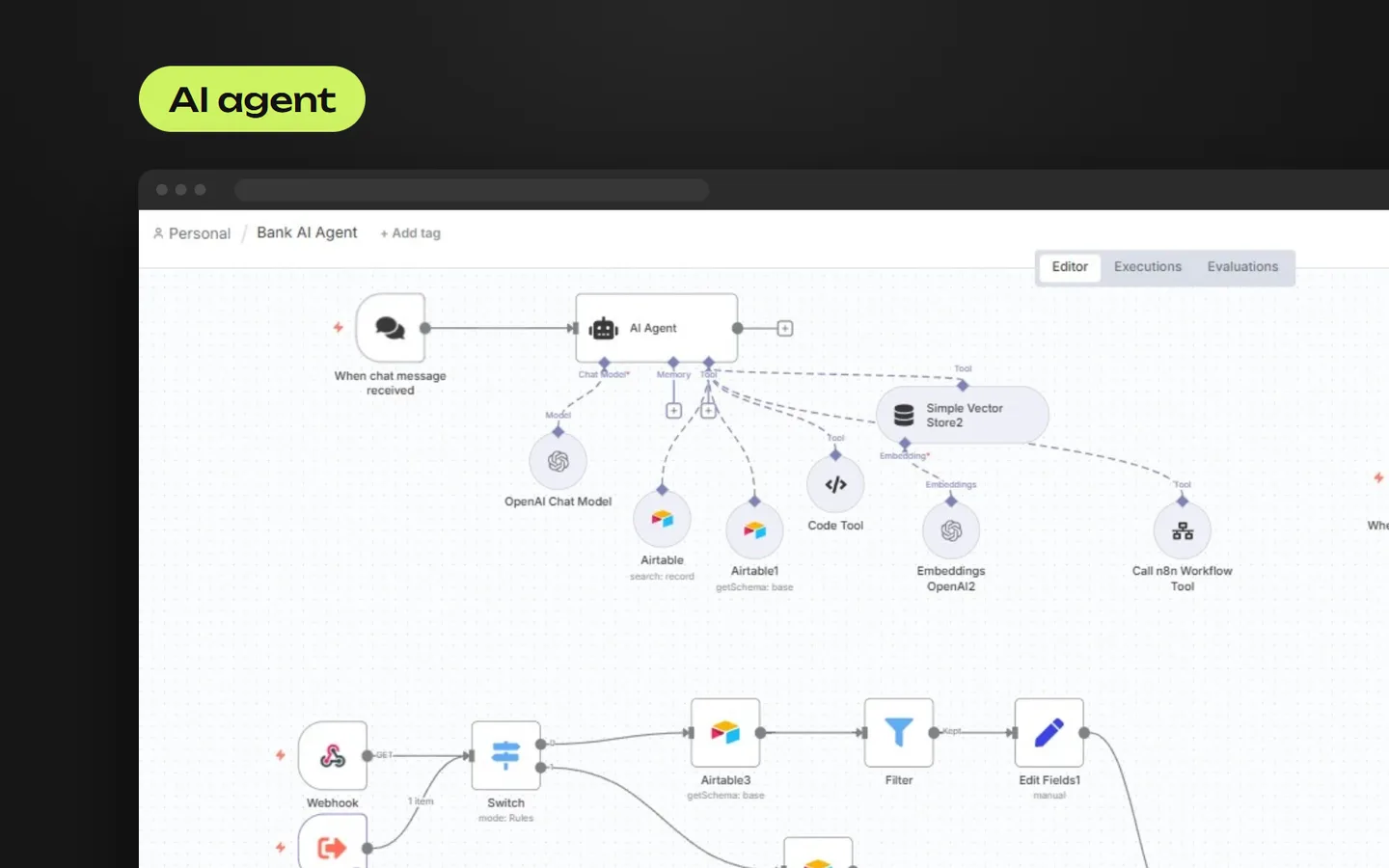
When a business asks for an “AI agent”, it often needs a combination of three things: data from external systems, automated processes, and a conversation with the user. Below is a breakdown of my case where all of this had to become one system, and the five mistakes I see most often.
What the project was
In the banking AI agent case, the goal was not just to connect a couple of services. It needed a single system that:
- synchronizes data from two bank APIs;
- removes manual entry;
- answers user questions based on up-to-date information.
I built it on n8n, OpenAI, Google Sheets, Airtable, and webhooks. The result: manual entry went down, user support became automated, and data across systems stopped diverging.
Mistake 1. Starting with the chatbot instead of the data
It is tempting to plug in OpenAI right away and see how it answers. But an agent is only as good as the information it sees. If the spreadsheet is stale, the agent will confidently state something wrong.
So I build the data flow first: where data comes from, how often it updates, who edits it. The conversation layer comes last.
Mistake 2. Keeping the same data in two places without rules
Google Sheets and Airtable are convenient, and they are often used side by side: an accountant calculates in one, the team works in the other. Divergence starts when it is unclear which system is the main one.
What I check before starting:
- which system is the source of truth for each field;
- which direction the sync goes;
- what happens if a record is changed in both systems at once.
Mistake 3. Building automation as one long scenario
It is easy to draw one huge workflow in n8n. At first it works, then any edit breaks half of it. I split the process into small scenarios: fetching data, normalizing it, writing it, and answering through the agent. Each one can be tested separately.
Mistake 4. Ignoring external API failures
With two external APIs connected, sooner or later one of them returns an error or goes silent. Decide in advance:
- what the system does on error: retry or notify a person;
- how to avoid writing duplicates on retry;
- where you can see that a sync did not complete.
Mistake 5. Letting the agent answer everything
A support agent should answer from specific data, not from the model’s general knowledge. I limit it to defined sources and decide upfront when it hands a question to a human. In a sensitive area like banking this matters even more.
Questions I ask before starting
- Which systems need to be connected, and do they have an API?
- What data is entered by hand today, and how much time does it take?
- Which system is the main one for each type of data?
- Which user questions should the agent answer, and which should go to a person?
- What should happen if one of the services is unavailable?
Next step
If you have a similar task, you can read how I build such systems on the AI agent development page. Describe your task in two or three sentences and I will tell you where to start and how it would work.
The project behind this article
More Articles
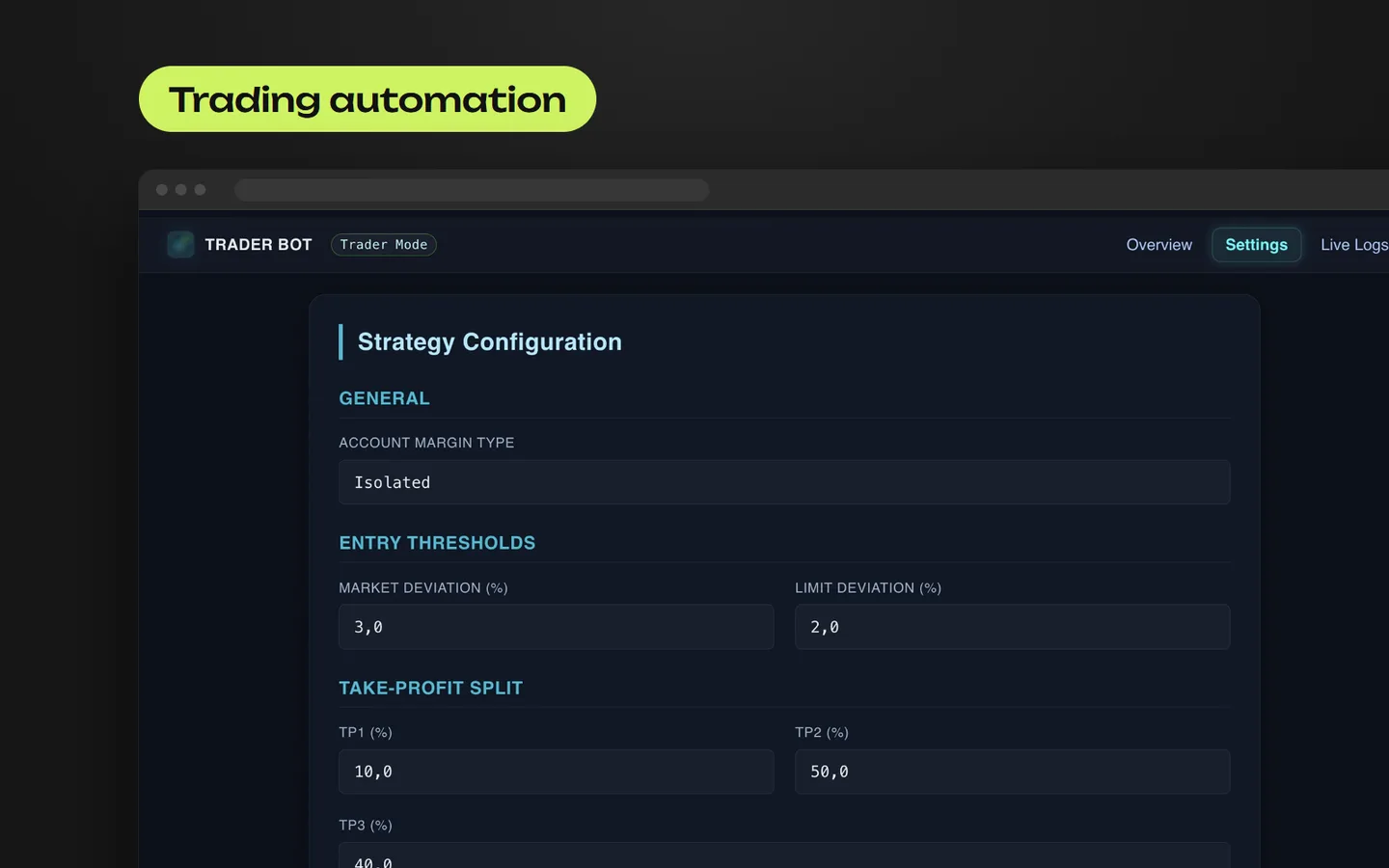
A Telegram signals trading bot: what it consists of and where people go wrong
What it takes for a Telegram channel signal to become an exchange trade with no manual work: a breakdown based on my Trade Copier case and the questions I ask before starting.
Read more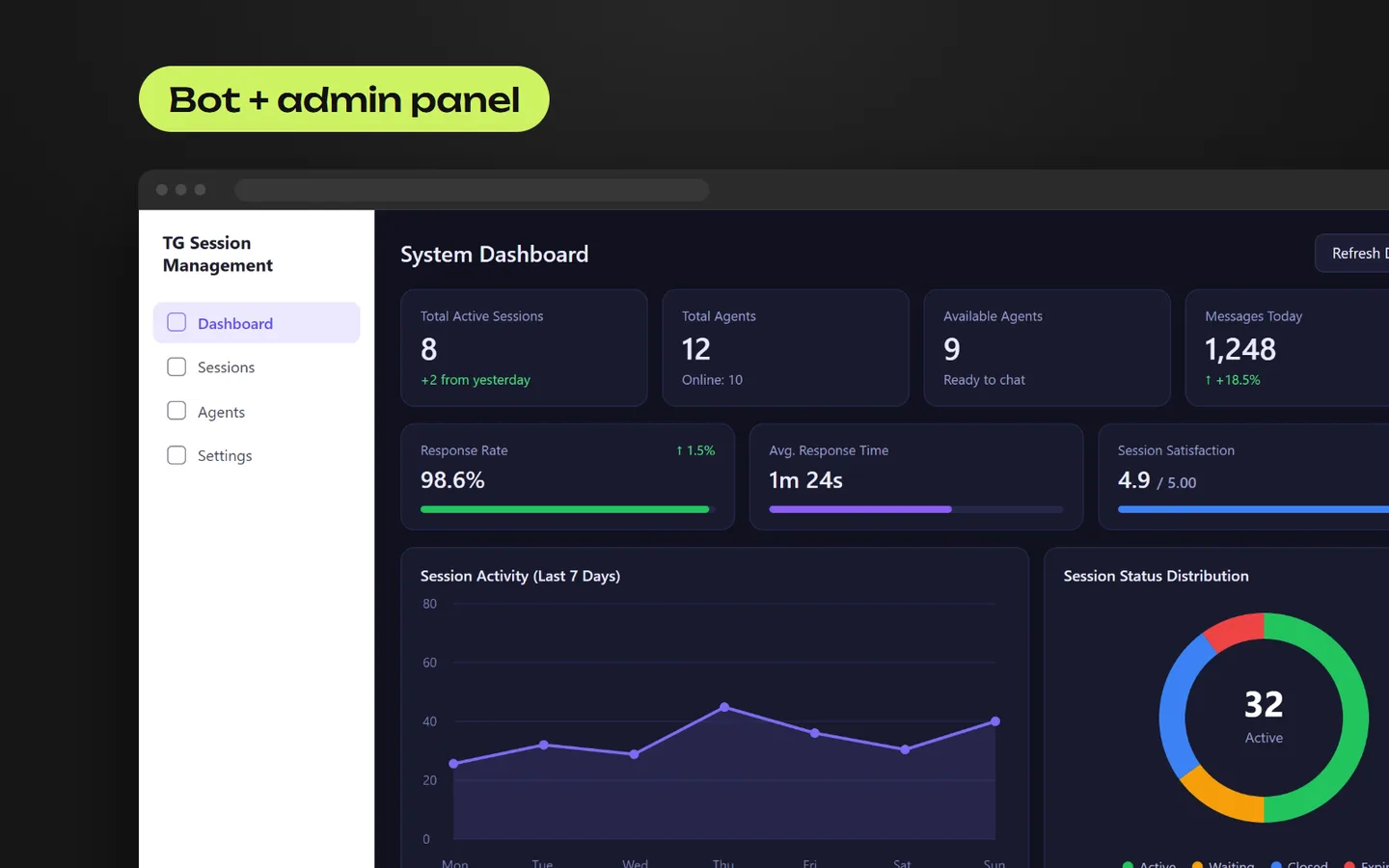
Telegram Bot for Private Client Chats: Talk to Customers Without Sharing Personal Contacts
A breakdown of my case: the bot opens a private client-agent session, relays messages and closes it after 24 hours. What to consider if you need the same.
Read more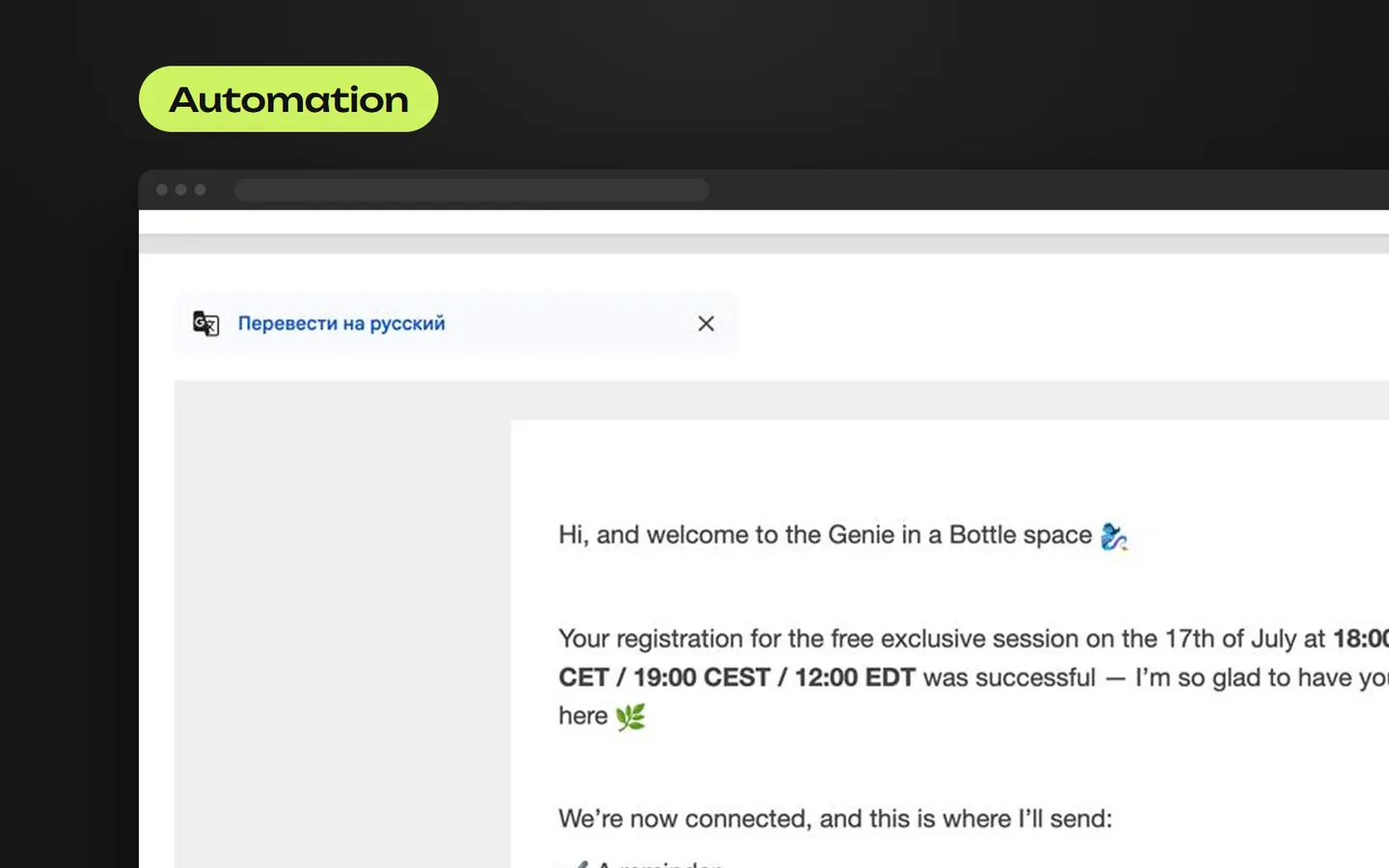
How to Move Emails from Telegram to SendPulse Automatically: a Case Breakdown
A breakdown of my case: a Python system collects emails from Telegram and syncs them to SendPulse by itself. What it solved, how it is built and what to clarify first.
Read more