
How to Move Emails from Telegram to SendPulse Automatically: a Case Breakdown
Published on:
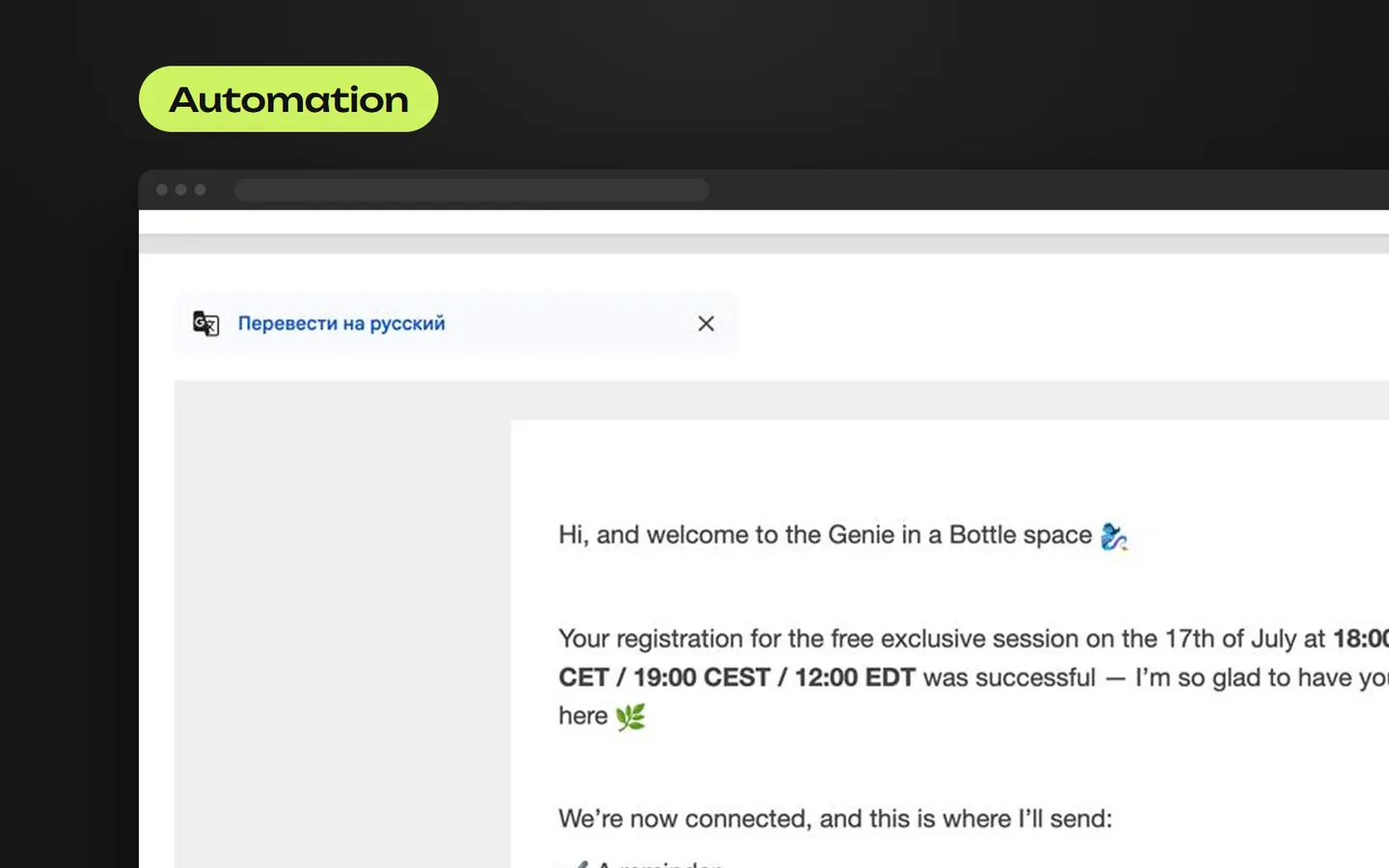
If your leads arrive in Telegram while your newsletters live in an email service, there is almost always a person with a spreadsheet in between. They copy addresses, paste them into SendPulse, lose some and forget others. Below is a breakdown of my case where I removed that manual work.
Where the task started
The client needed to automate email collection from Telegram and stop transferring contacts into the email marketing system by hand. The full text is on the Telegram + SendPulse case page.
Typical signs that it is time to automate:
- addresses sit in chats and are copied out manually;
- contacts reach the mailing list late, sometimes days later;
- some addresses get lost or duplicated;
- one person spends time on work a script should do.
What the system consists of
In this project I built a working automation infrastructure from several parts:
- a Python script that runs the whole process;
- Telegram integration through Telethon, to receive messages and find addresses in them;
- SendPulse API synchronization, so contacts land in campaigns on their own;
- deployment on a RunPod server, so everything runs without anyone’s personal computer.
The result: lead collection and passing contacts to the marketing system happen without manual transfer.
What to clarify before starting
Before writing code I always settle a few things. The answers shape both the design and the amount of work.
Where exactly the addresses come from
It may be a personal account, a group, a channel or a chat with customers. The source decides how access works and which permissions are needed.
In what form the email arrives
Does a person type the address in a message, fill in a form in a bot, or share a contact? If the format is free, you need validation and cleanup, otherwise junk ends up in your mailing list.
What to do with repeats
The same person can write twice. Decide in advance what counts as a duplicate and which list the contact goes to.
Consent to receive emails
Make sure people have a reason to receive your emails. That is a business question rather than a code one, but the setup is better built with consent in mind.
Common mistakes in such projects
- Collecting everything without checking the address format.
- Running the script on a home computer: it gets switched off and collection stops.
- Not planning a retry when the service API is temporarily unavailable.
- Keeping no log, so later nobody knows why a contact did not arrive.
When this fits you
This setup helps if leads come from Telegram, newsletters run in SendPulse or a similar service, and the transfer is done by hand. I build such integrations around the needs of the business, from a small script to a full system. More on the business automation page.
Write to me
Tell me in a couple of lines where your contacts come from and where they need to go. I will reply with how it can be built. Message the bot: open the chat.
More Articles
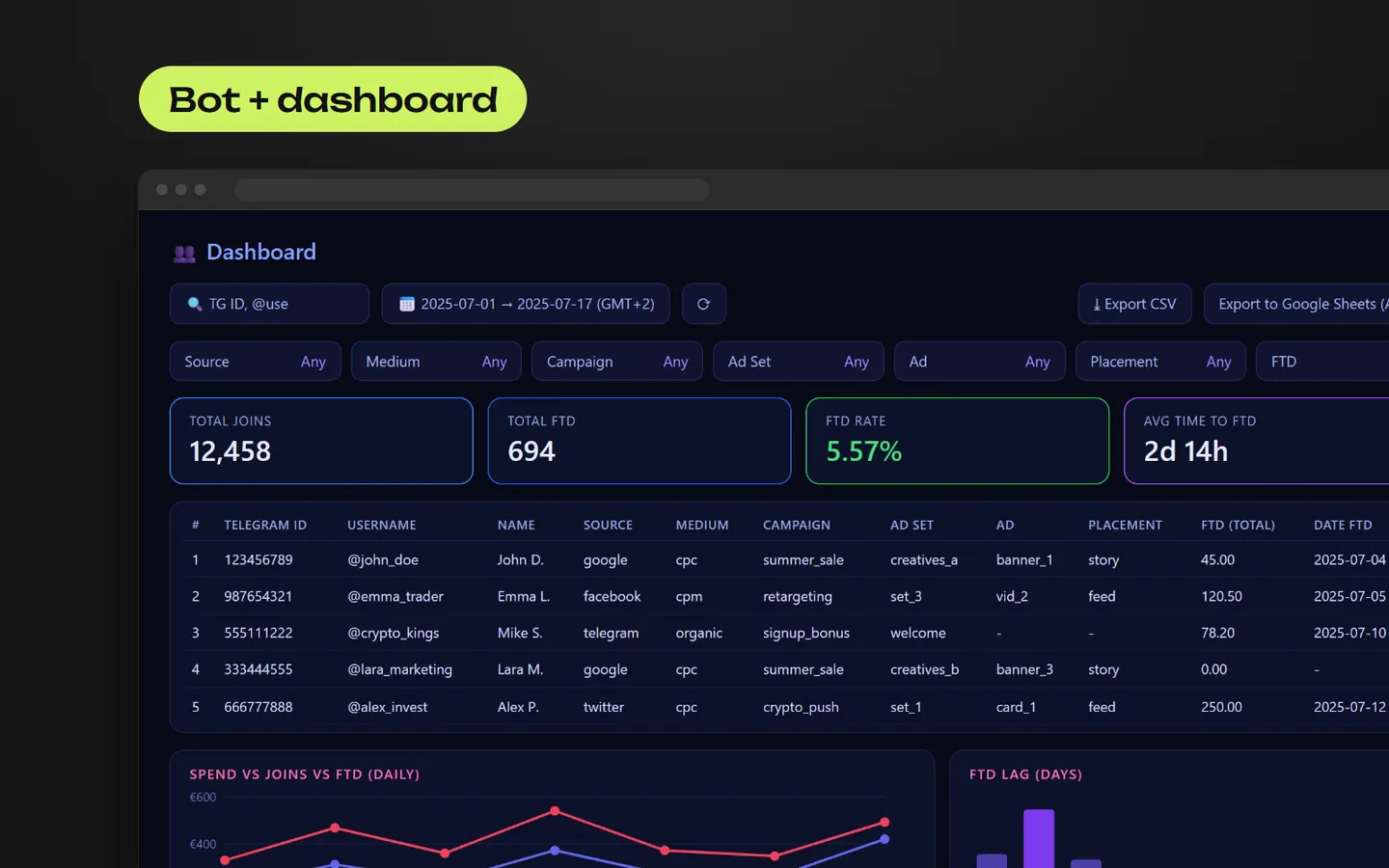
UTM Tracking in a Telegram Bot: How to See Where Clients Come From
Deep links, a database and an admin panel: how to learn which ad or post brought a client to your Telegram bot. A breakdown of my case and common mistakes.
Read more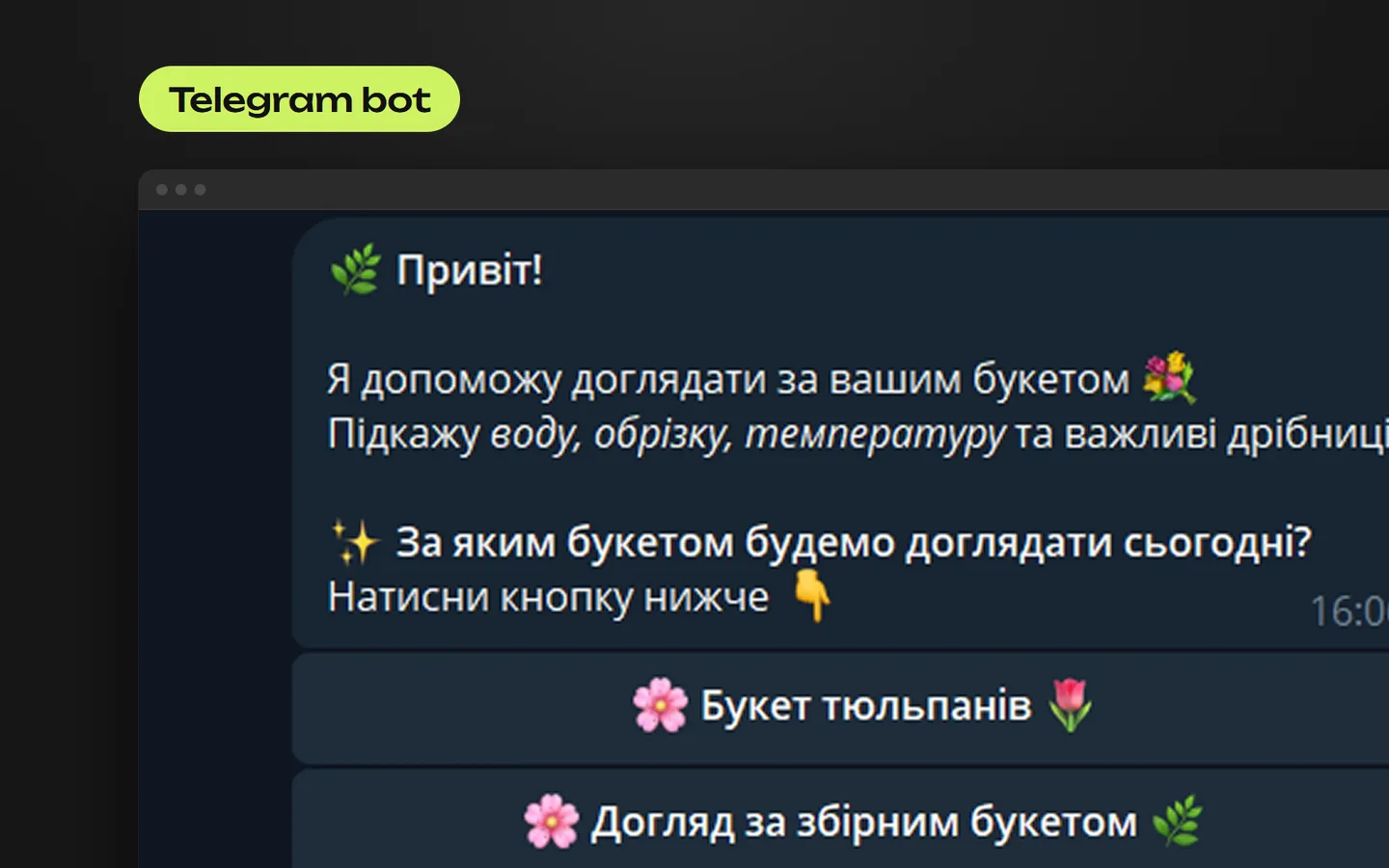
Telegram bot for a flower shop: what it does after the bouquet is sold
A bot for a flower shop that answers bouquet care questions after the purchase. I break down the flow and the decisions from my case.
Read more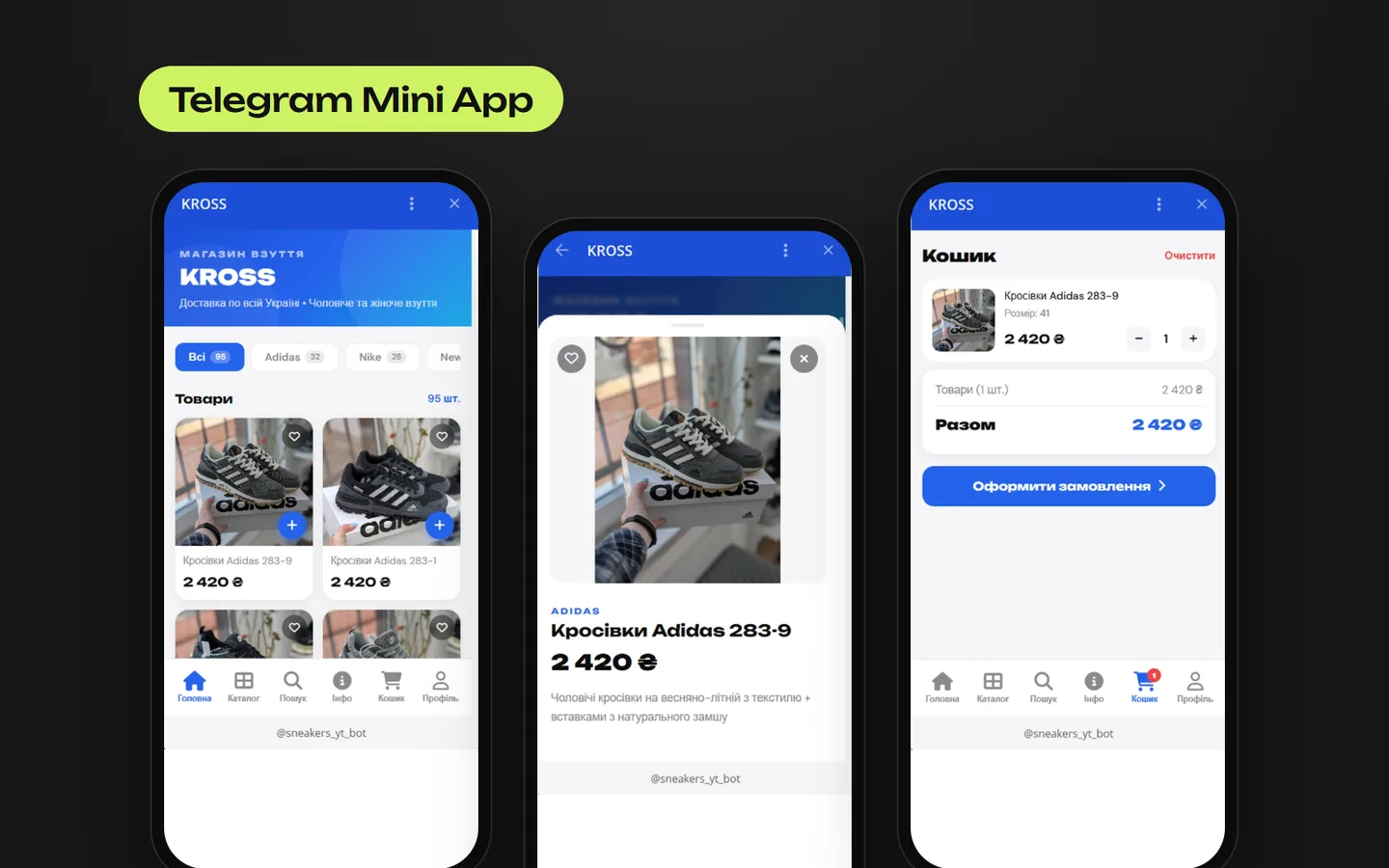
Telegram Mini App for a Shoe Store: A Checklist From My Case
A checklist from my sneaker store Mini App case: what a shoe shop needs inside Telegram so buyers reach checkout without extra redirects.
Read more