
Custom TradingView Indicator in Pine Script: What to Define Before Development
Published on:
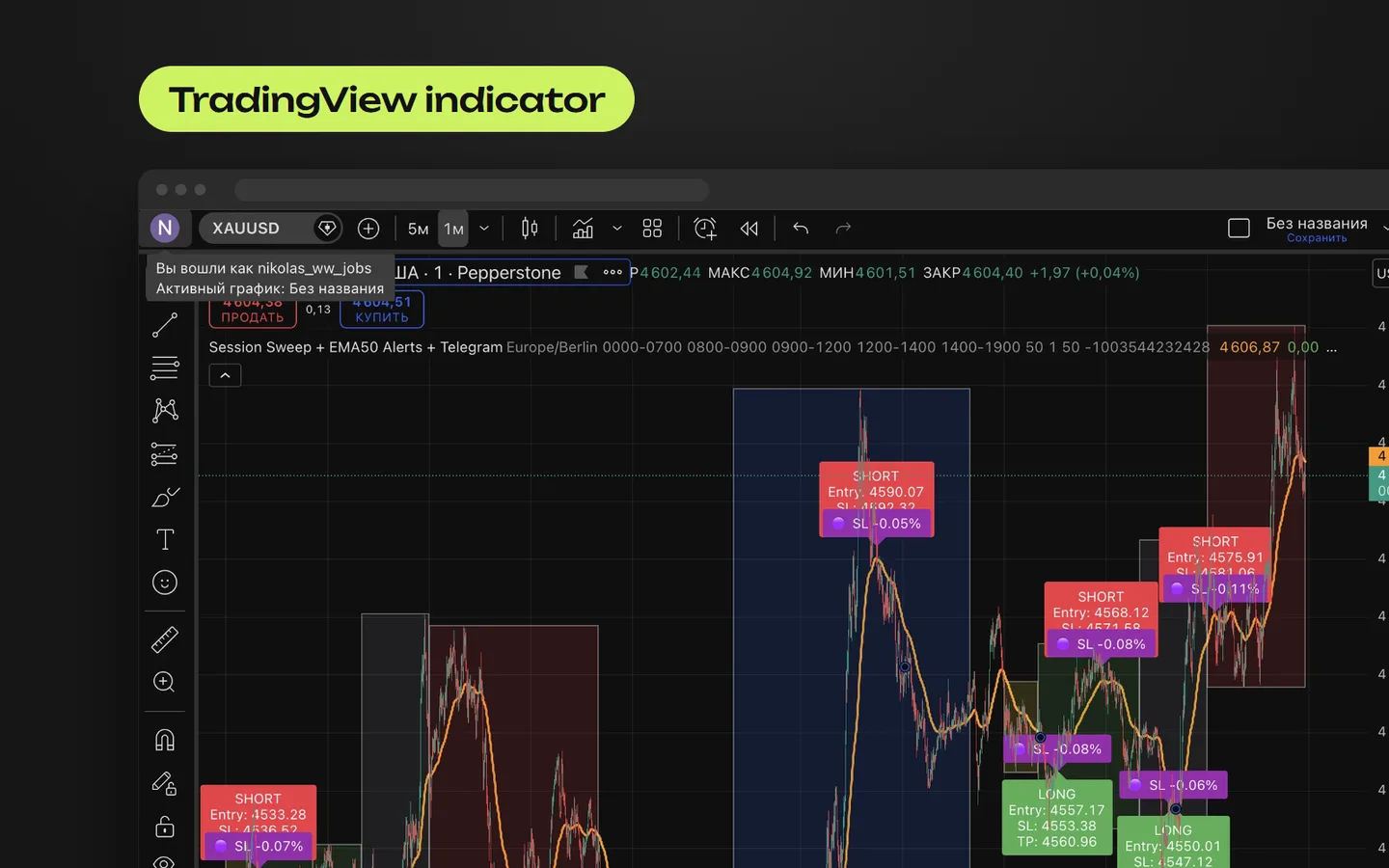
When a trader comes to me asking for an indicator, they usually don’t want arrows on a chart. They want less noise and clear rules. Below is a breakdown of my gold case and the questions I ask before starting work on a custom TradingView indicator in Pine Script.
Where the task started
In the TradingView gold indicator case the goal was bigger than a signal indicator. The aim was a more precise trading system for gold: less noise, weak entries filtered out, and clear execution rules.
That shift matters. If you ask for an indicator that shows an entry, you get a set of arrows, and half of them are false. If you describe the conditions under which an entry is acceptable, the indicator becomes a tool instead of a source of anxiety.
What I built it from
The implementation is in Pine Script v6. I built the entry logic in layers, and each layer removes part of the weak signals:
- an EMA trend filter: no trading against the main move;
- slope confirmation: the trend must not just exist but gain momentum;
- an RSI filter: no entries where the move is already overheated;
- an ATR filter: skip moments when volatility doesn’t suit a trade.
On the chart this turns into dynamic SL and TP levels, alerts and tracking of trade results. The outcome of the case: a flexible tool that helps find higher-quality entries, manage stop-loss and take-profit more consistently, and decide faster in real time.
Questions to settle before ordering
1. What counts as a good entry
Describe it in words, no code: under what conditions would you open a trade manually? If the rules exist only by feel, the first stage of work is formalizing them.
2. How to manage stop and take-profit
Fixed levels, volatility-based levels, or several targets? This decides whether the indicator calculates SL/TP dynamically and what it shows on the chart.
3. Which alerts you need
An alert on entry, on trend change, on reaching a target? The more precisely you define it, the fewer useless notifications.
4. How to evaluate results
If trade results are visible right on the chart, the rules are easier to check and improve. Decide in advance what you want to see.
5. What happens to the signal next
Sometimes an in-app alert is enough. Sometimes the signal must go to Telegram or trigger automated execution. Then the indicator is the first link in a chain, and I look at the whole chain: trading bot development.
Common mistakes
- Asking for the maximum number of signals. The more there are, the more noise.
- Adding filters without checking them on history: every filter should be explainable.
- Leaving exit rules undefined: a good entry without SL/TP rules guarantees nothing.
- Expecting the indicator to replace the trader’s judgment. It speeds up decisions but doesn’t own them.
What to do next
If you have trading rules and want them turned into an indicator or connected to Telegram, message me in the bot: https://t.me/chornuy7_tech_bot?start=src_blog. Describe the strategy in a few sentences and the platform, and we’ll settle the rest in chat.
The project behind this article
More Articles
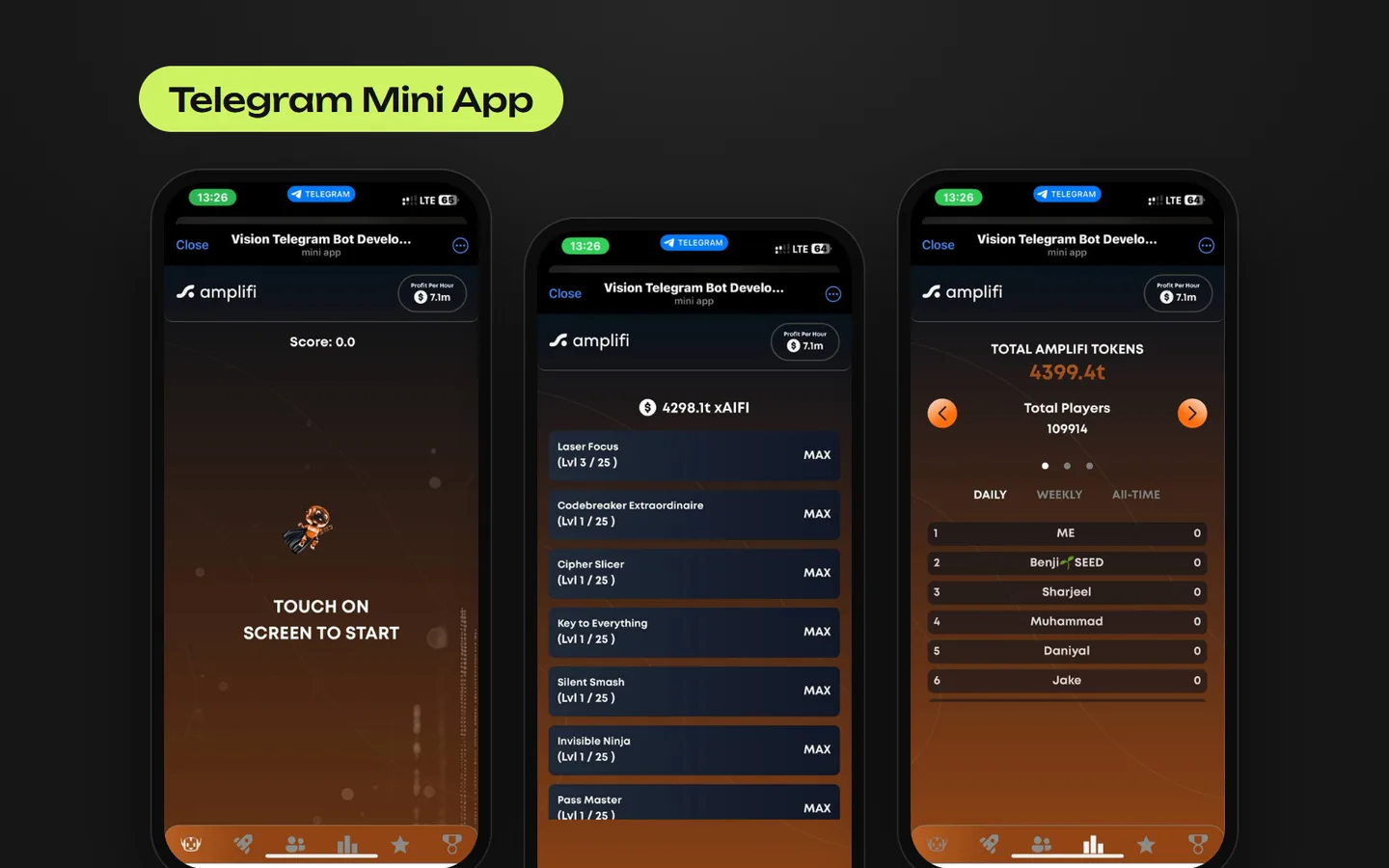
Telegram Mini App Backend: What to Plan Before Launch So It Doesn't Fall Apart
A nice Telegram interface sits on a bot, a server and a database. Using my own case, I break down what to plan early so a Mini App does not crack under growth.
Read more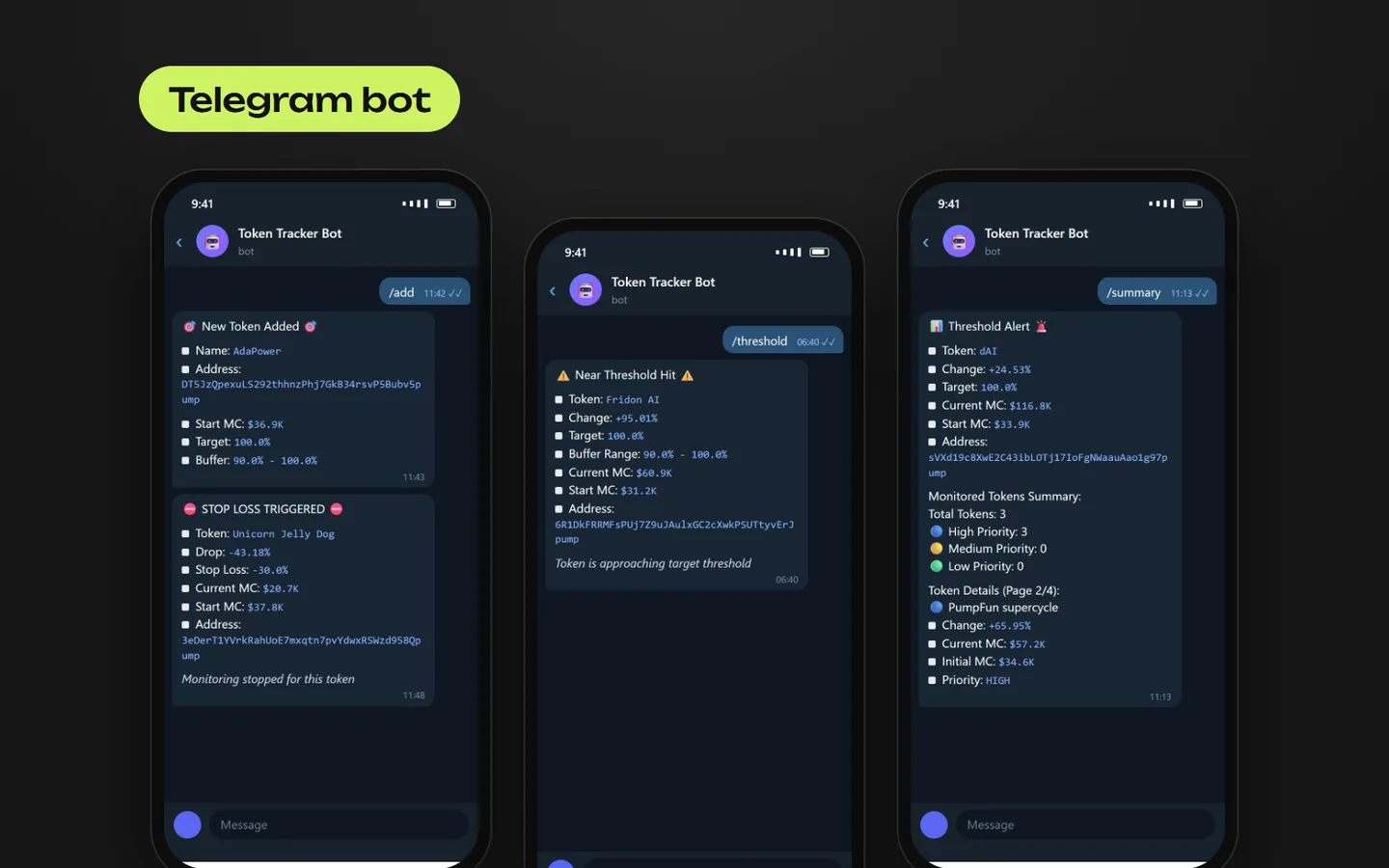
Telegram token tracker bot with TP/SL: following a signal after the buy
A breakdown of my case: a bot that follows a token toward TP or SL after a buy signal and shows how it behaves. What it consists of and what to decide before starting.
Read more
Building a service marketplace app: what it consists of and where to start
A service marketplace is not a catalog with a request form. I break down what it consists of, based on my case, and what to decide first.
Read more